Quick access to your favourite content.
My favourite news brands
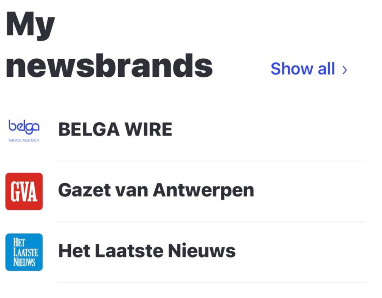
Every time you follow a news brand, it is added to your list of favourite news brands. If you ‘unfollow’ a brand, it will be removed from your selection. You can easily add it back via the ‘Newsbrands’ tab in the ‘Explore’ section of the app.
To keep the screen uncluttered, we initially show only a few of your favourite brands; clicking ‘show all’ gives you access to all your favourite brands.
My favourite newsrooms
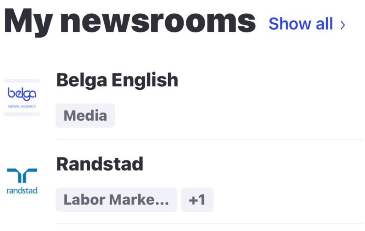
If you decide to follow a newsroom, it will appear under ‘my newsrooms’. As with your favourite news brands, the main screen shows only a few newsrooms. ‘Show all’ gives you an overview of all the newsrooms you do and do not follow.
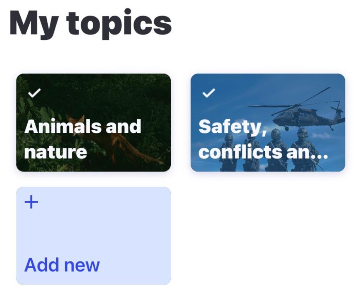
My favourite topics
If you decide to follow a topic, it will appear under ‘My topics’. As with your favourite news brands, the main screen only shows a few topics. ‘Show all’ gives you an overview of all the story tags you do and do not follow.
My saved searches
As soon as you save a search, it appears here. There is no limit to the number of searches you can save. You cannot edit a saved search. If you wish to do so, you must currently delete it and create a new one.
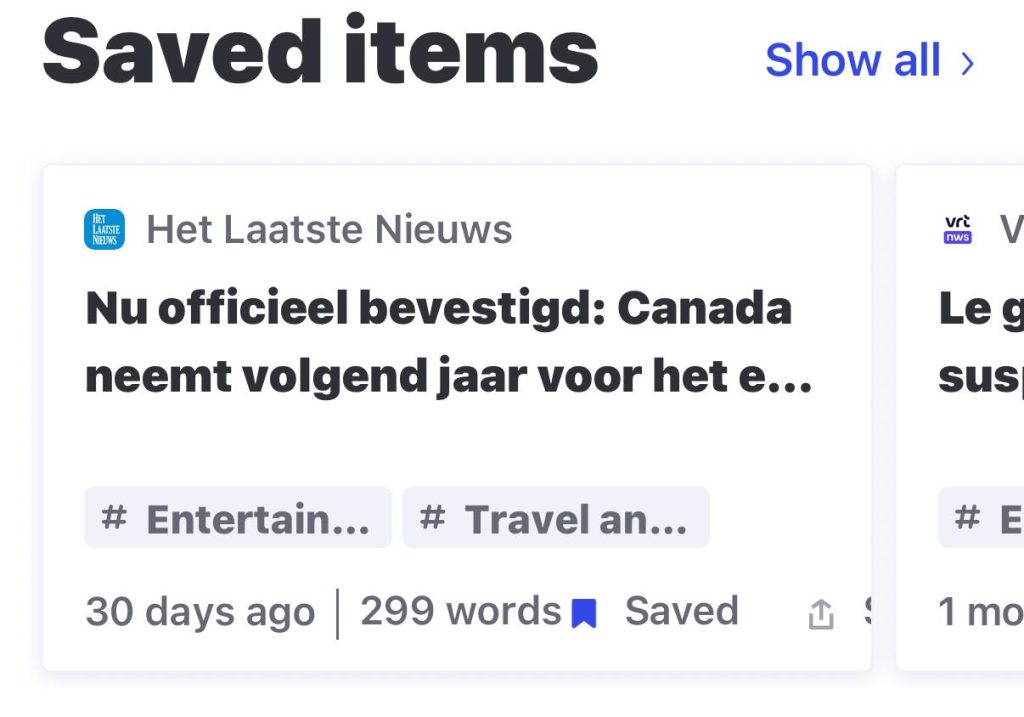
Read later articles
Every time you mark an article to read later, it appears here. You can remove them from the list by unchecking the ‘save for later’ box. We don’t currently have an offline mode, so you can only read the articles in full whilst you’re online.
Downloaded newsletters
Here you’ll find the newsletters you’ve downloaded for offline use.