
How do I search in belga.press?
You can run a search at any time within the native app by using the search bar at the top of every screen. Regardless of the section you are currently in, the search results will always include articles.
We provide a quick guide on how to search right away. In certain sections of the app, the search bar comes pre-loaded with a filter (e.g., # source) so that you search only within that specific set.
Can I perform an advanced search in the app?
Yes and no. The available operators allow you to do quite a lot, but the native app does not support the truly extensive search capabilities found in the web version.
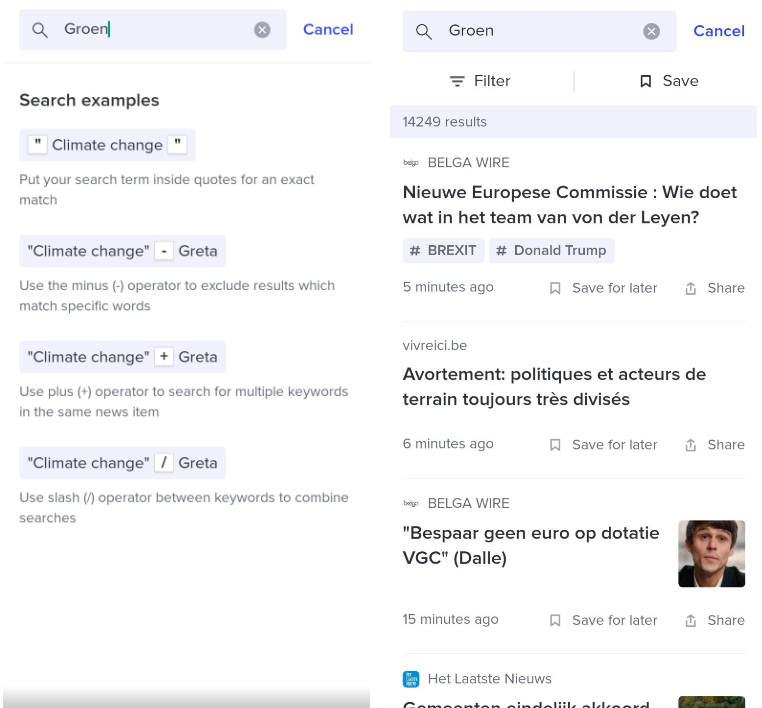
Filtering search results
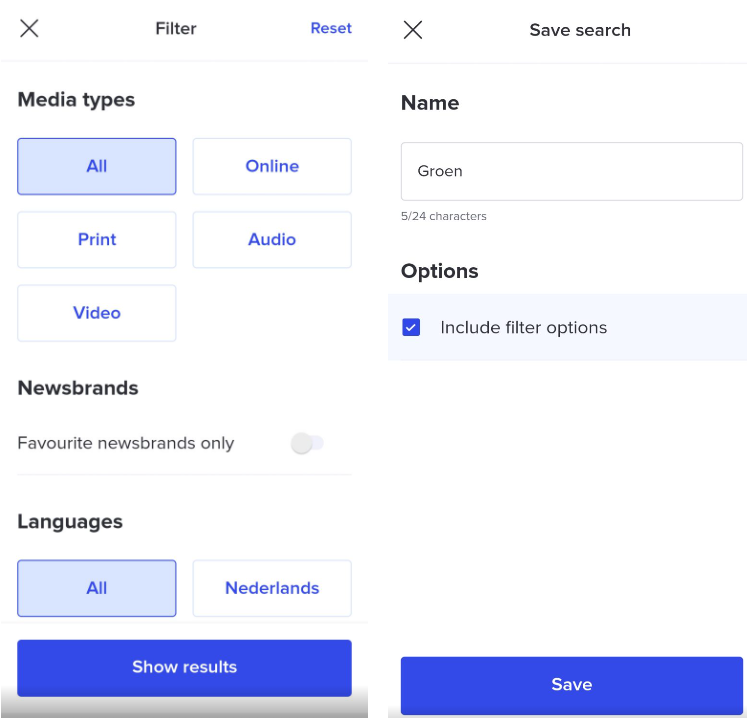
After every search, you can filter the results by media type and language, hide duplicates, and choose to display only results from your favorite news brands. If you wish to perform a case-sensitive search (e.g., Groen, De Lijn, Carrefour…), enable this option. Finish by selecting ‘show results’ to apply the filter.
How do I save a search query?
You can save any search query, whether or not it includes filter options. Once saved, you create a news stream for which you can set up notifications and enjoy all the other features a news feed offers (see #..). You can find all your saved searches in the ‘My Favorites’ section. Please note: you cannot edit a search query within the app after creating it. If it is no longer relevant, simply delete the search query and create a new one.