
This post is (also) available in: NederlandsFrançais
Discover the news in a new, interactive way: read, listen or watch, whichever you prefer.
It’s time to give our native mobile app a fresh, tablet-friendly update. This is mainly to make it easier to read newspapers and magazines. With the tablet version, you can now do this offline too. All you need to do is download your articles. How? It’s explained under My Profile – Downloads.
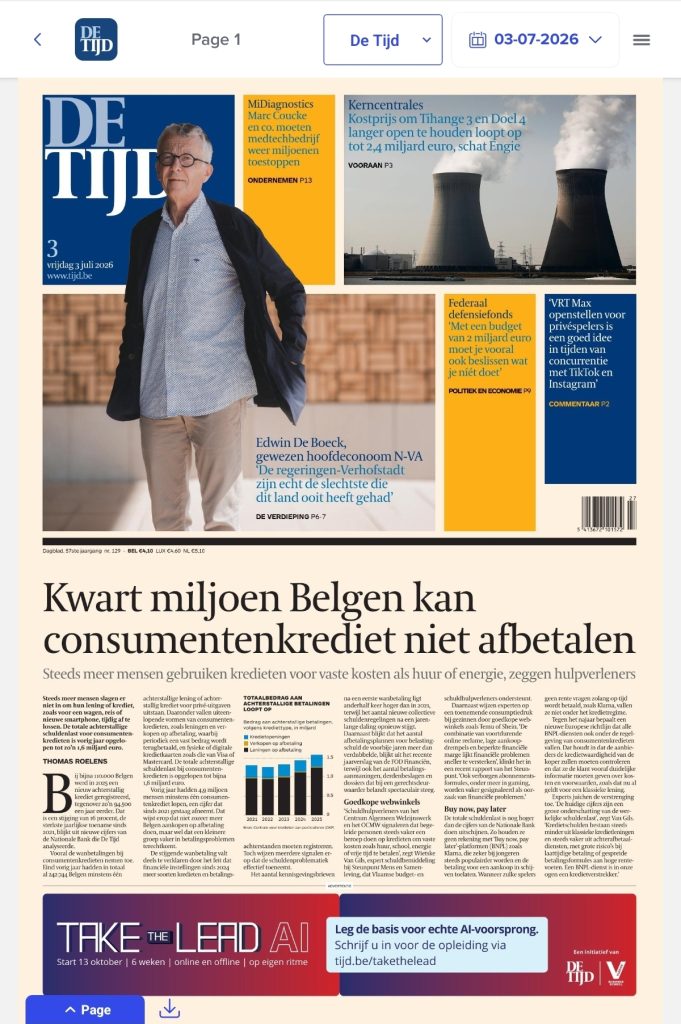

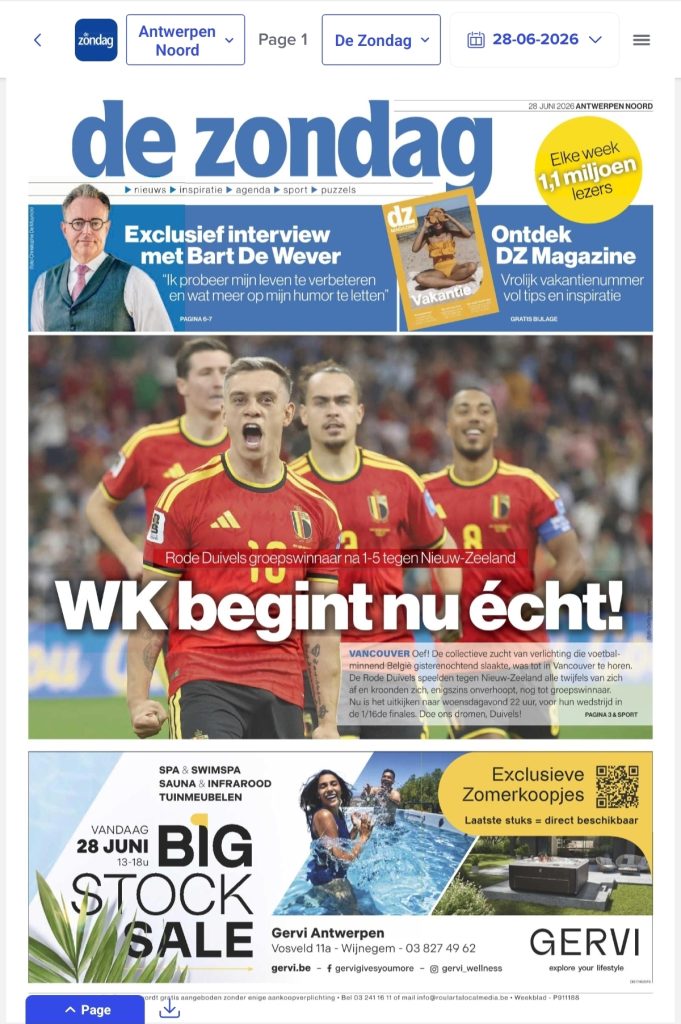
What’s new?
We’ve focused primarily on giving you faster access to your favourite content, 24/7.
On the Explore page, you’ll find your favourite publications, a personalised real-time feed and the latest newsletters, amongst other things. That way, you can get straight to the news that interests you!
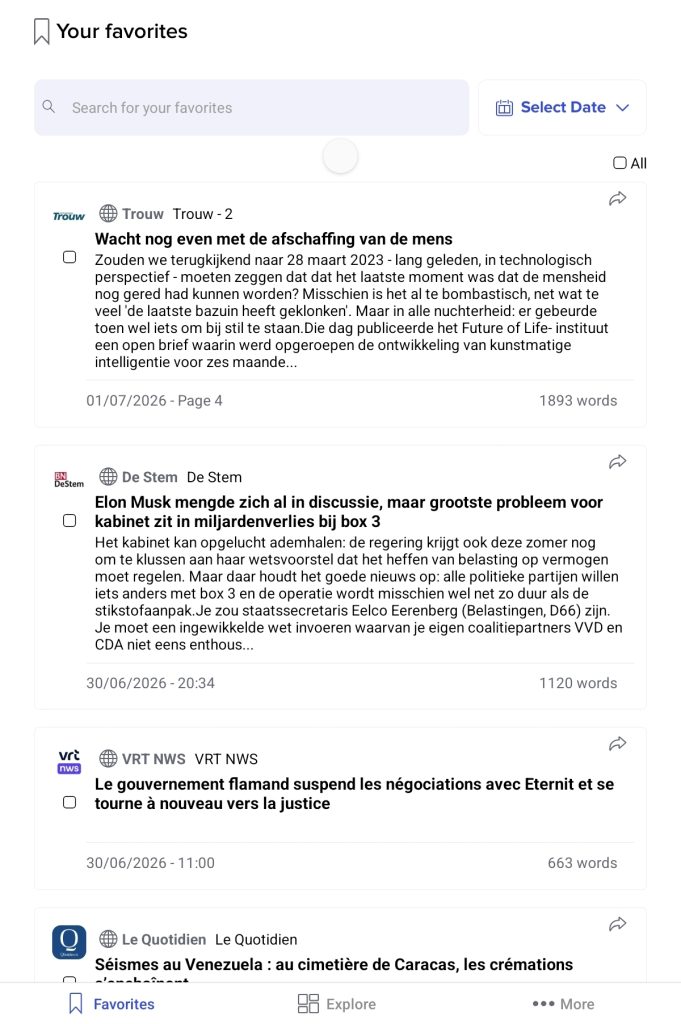
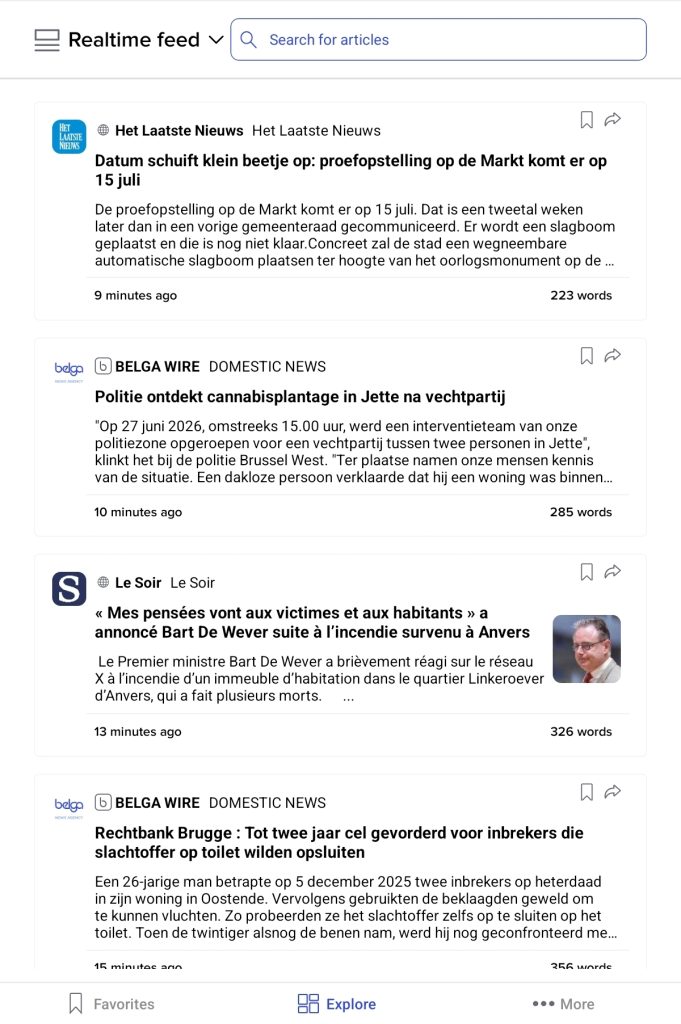
We’re also putting Belga content in the spotlight. You’ll gain an insight into our schedule, and via Belga Now you can follow our entire output in real time, terminal by terminal, in detail.
There is a live feed that provides updates on topics that interest you personally, and the search option is still available.
At the bottom left, right next to the explore button, you’ll find your favourites. This overview includes your news brands, newsrooms, saved searches and bookmarks. You’ll also find the ‘more’ option, which allows you to easily access your own profile.
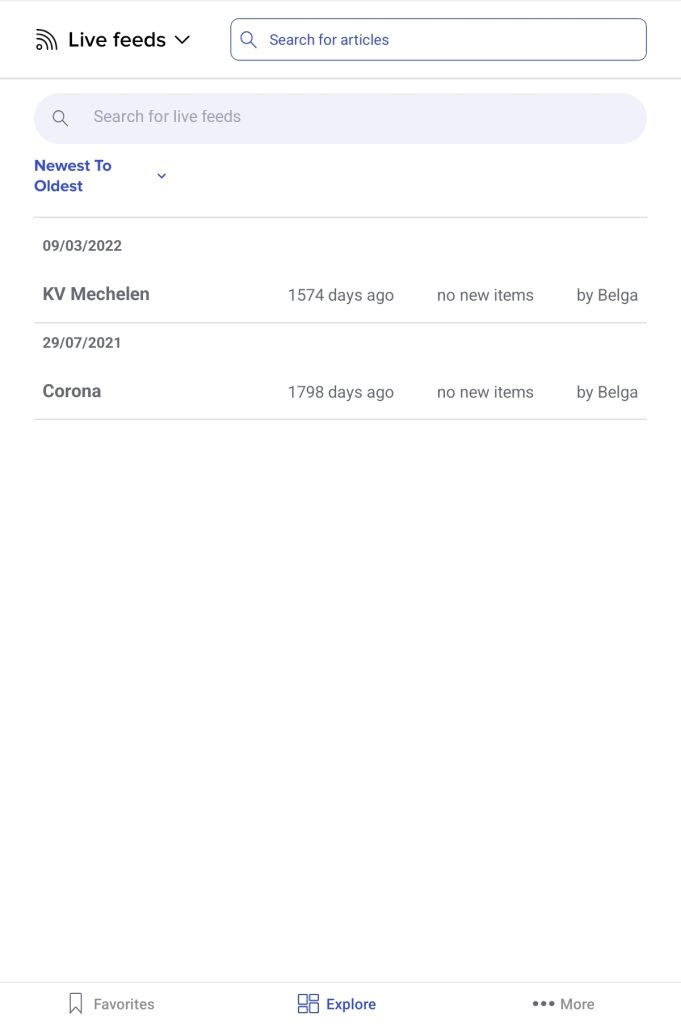
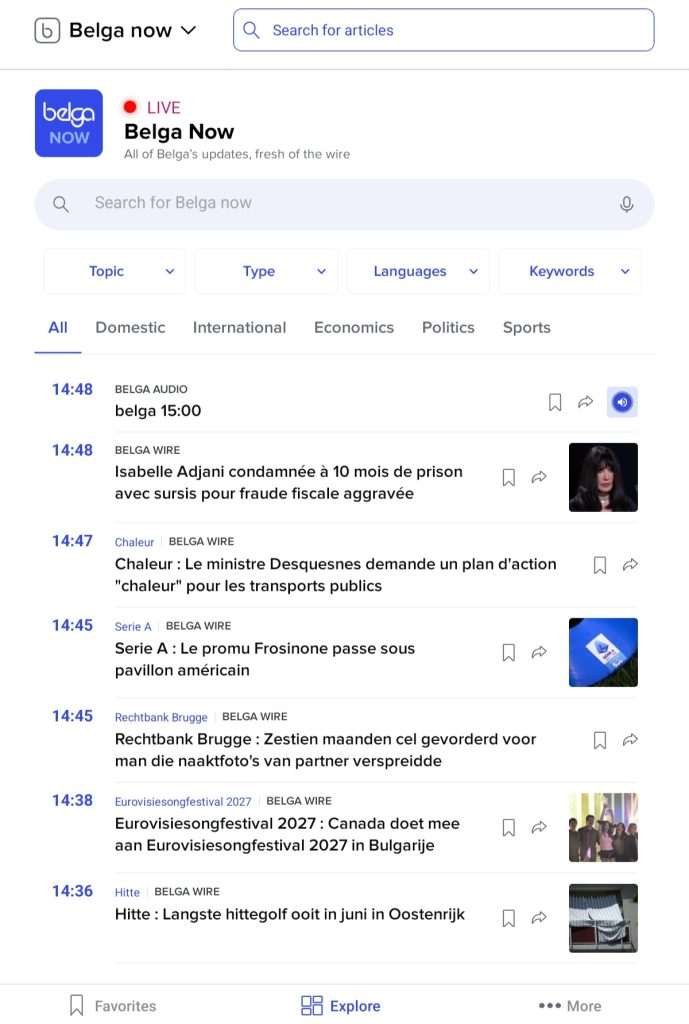
Navigating through the tablet app
During development, the focus was once again on delivering an optimal and intuitive user experience. That is why we have closely aligned ourselves with the standards of other native apps for both iOS and Android devices. This means you can swipe, scroll and tap in the familiar way, just as you are used to doing in other apps.