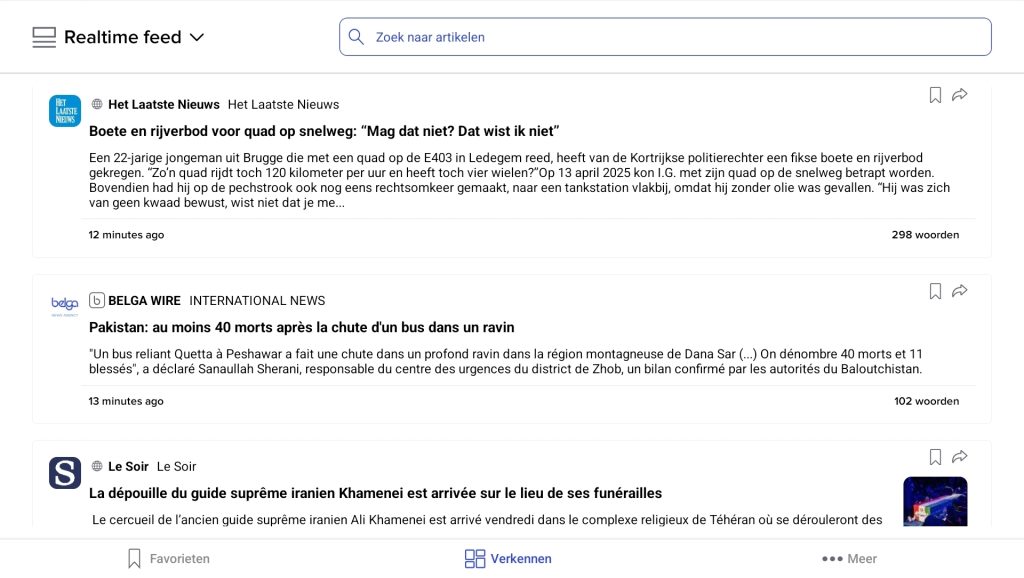
On the Explore page, select the ‘Explore’ option in the top-left corner. Then, from the menu, choose the option namely ‘Real-time feed’.
What does ‘real-time’ mean?
In the real-time feeds, you can read news from your personal selection 24/7. For specific searches, you can use the search bar at the top. The feed refreshes automatically so you’re always up to date with the latest news. Older posts appear further down.
Articles are clearly displayed with the source, time, title, any photos, tags and duplicate information. You can share each item straight away or save it to your ‘saved items’.
Direct access to a newsbrand
Tapping on the source takes you to the news brand. Please note: this only works if the news outlet is included in your subscription package. If this is not the case, the link will not work.
Accessing article details
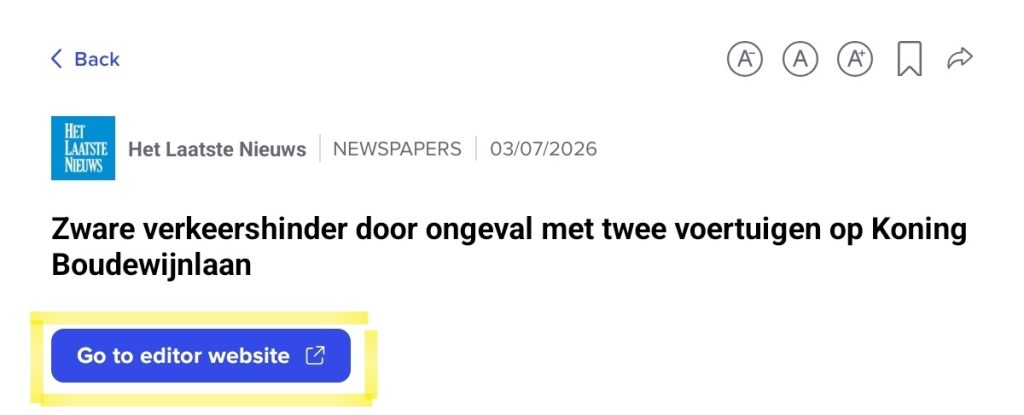
Tapping the title takes you to the article details page.
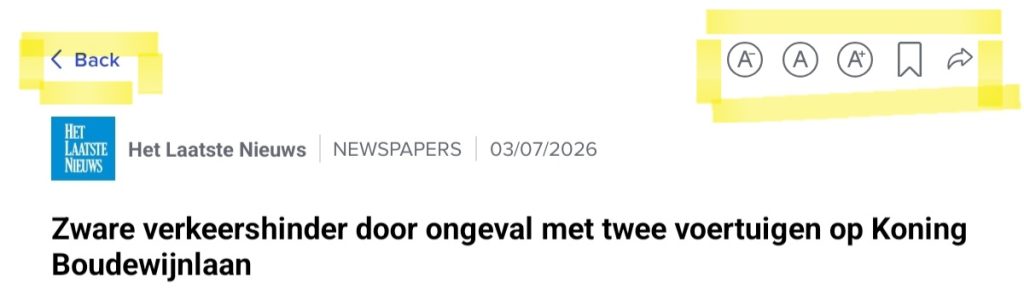
Use the bar with the arrow in the top left-hand corner to return to the overview. In that same bar, you’ll also find the ‘share’ and ‘save for later’ functions. You can also adjust the text size here as you wish by clicking on the A+ and A- buttons.
Any photos, audio or video linked to the article can be found at the top. It doesn’t work everywhere, but where possible we try to have the audio or video clip start just before the section that’s relevant to you.