This post is (also) available in: NederlandsFrançais
On the Explore page, select the Explore option in the top left-hand corner. Then choose the option Newsletters.
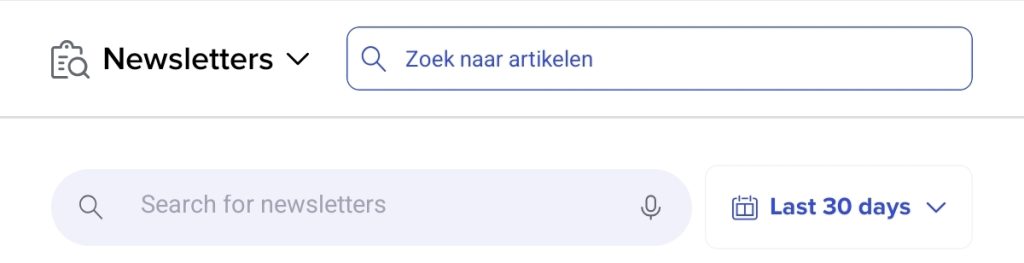
Here you will find an overview of all your newsletters. These are the newsletters that have been sent, which you can filter by date. If you are looking for a specific newsletter from several months ago, use the grey search bar and the filter next to it if you wish to search by date. This filter is set to 30 days by default, which makes the search more efficient.
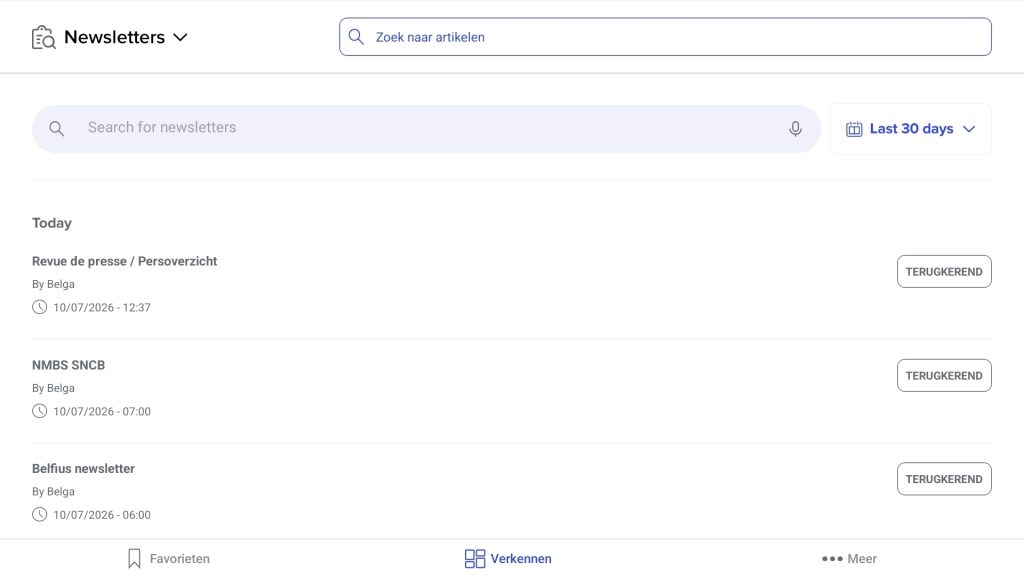
Clicking on a newsletter will open it and redirect you to the page owner.
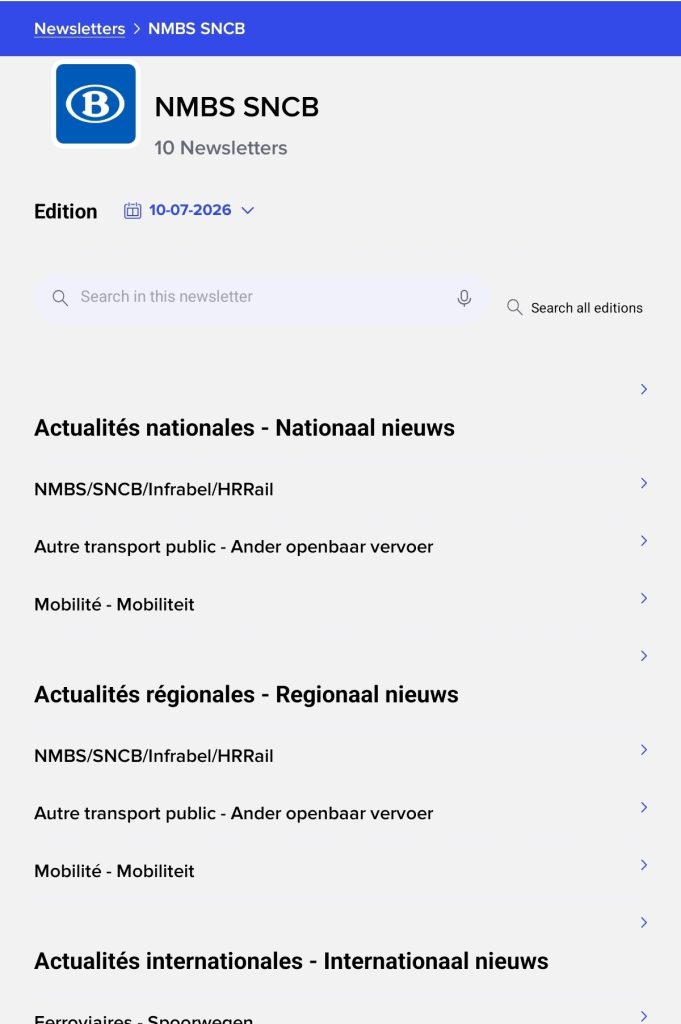
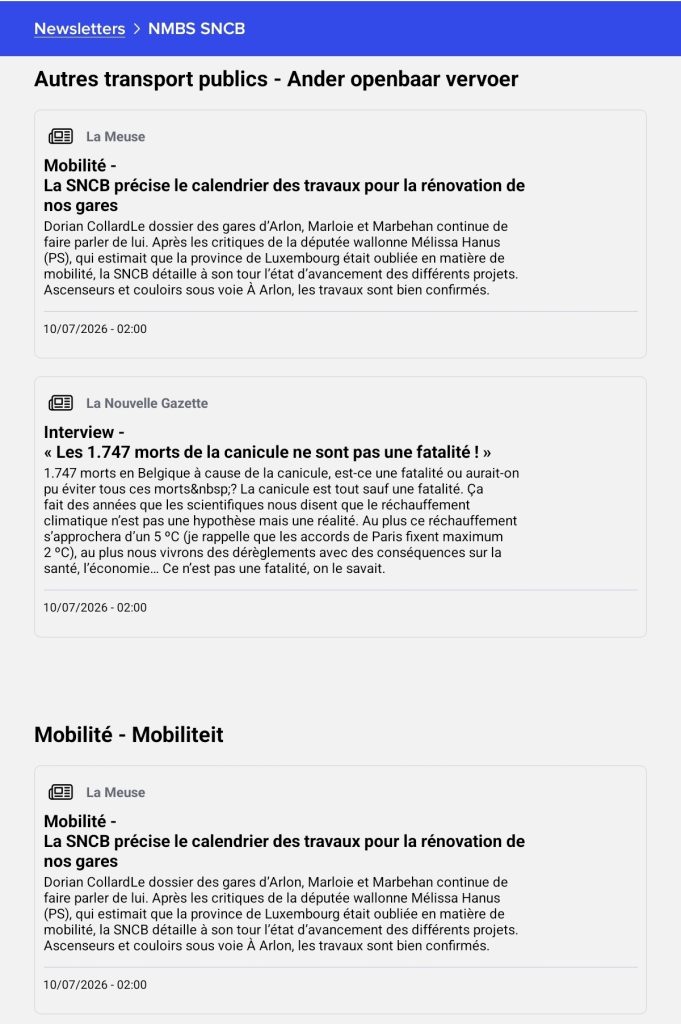
Let’s take the ‘NMBS SNCB’ example. Clicking on it takes you to the page listing all NMBS newsletters. There are currently 10 of them (indicated below the title, next to the icon).
The ‘Search in this newsletter’ feature allows you to search for and read specific newsletters. You also have access to various categories—such as regional, national, and international news—based on your interests and preferences. Scrolling further down reveals additional categories (mobility, other public transport, etc.).
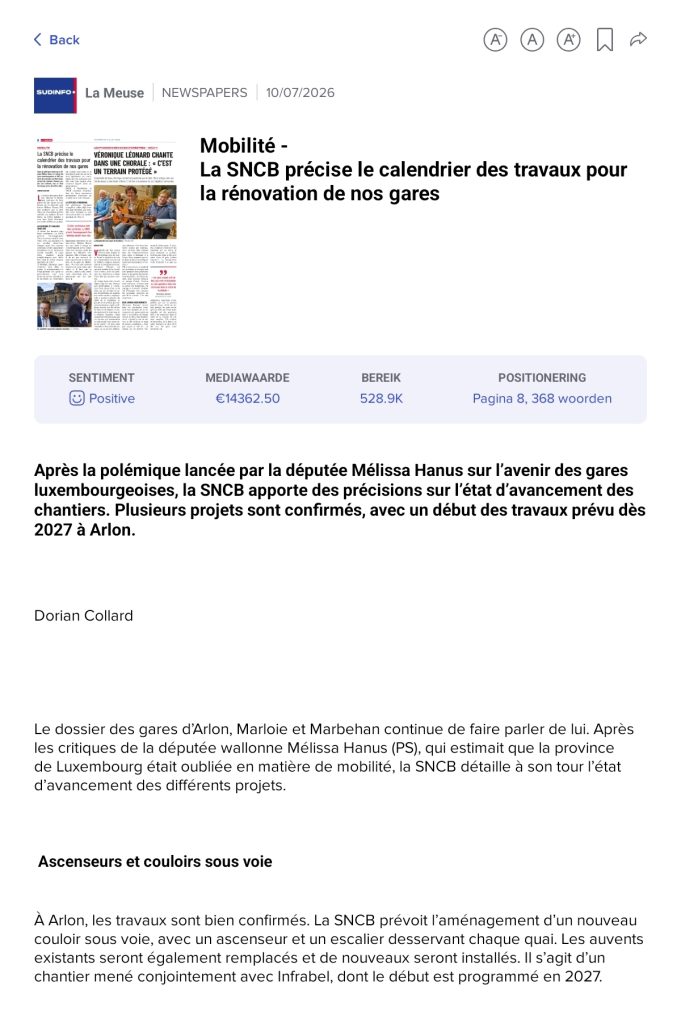
Here, the snippet (article title + a short excerpt) is displayed; clicking on it takes you directly to the article. For instance, if we click on the La Meuse snippet regarding mobility, we are taken to the article itself. You can then read the page, which looks roughly like the example below.