This post is (also) available in: NederlandsFrançais
Creating a Belga Real Time feed for a group of contacts
Step 1: Contact group and board
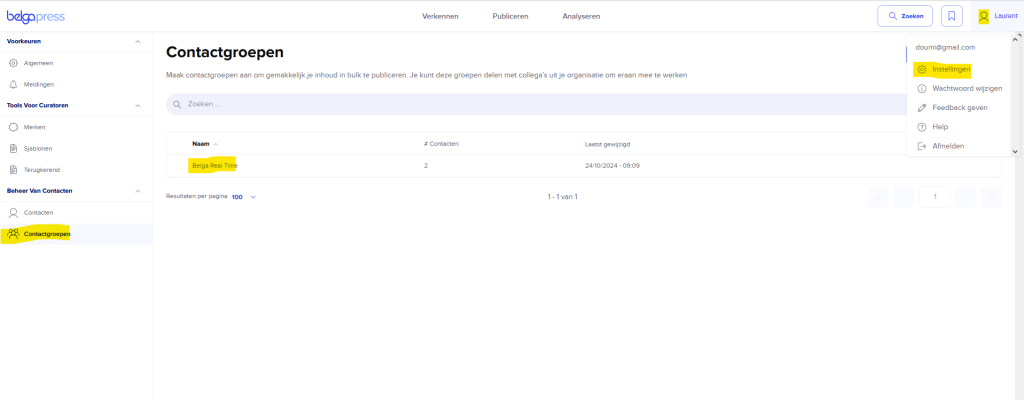
- Under My Profile > Settings > Contact Management, I create a contact group and name it, for example, “Belga Real Time”.
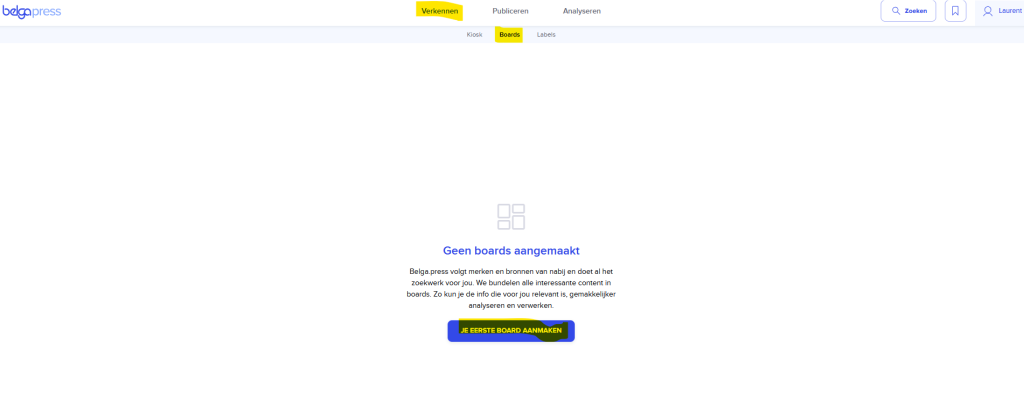
- I create a new board in “Explorer”.
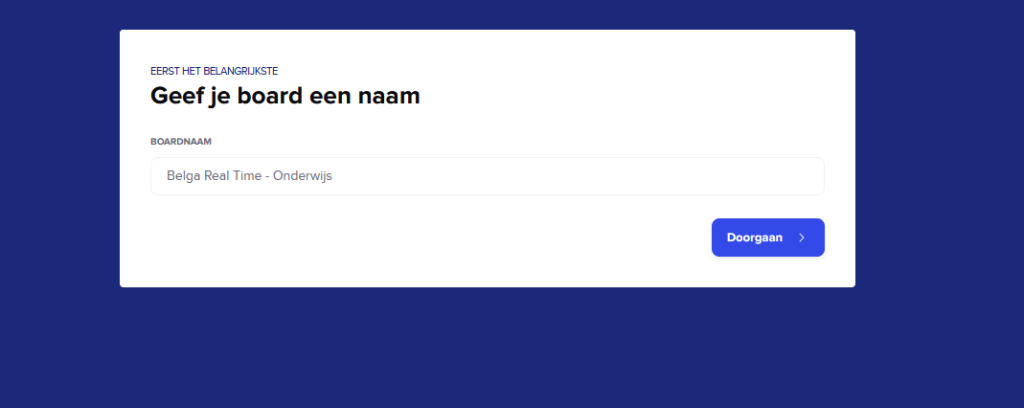
- I give it a name.
- I type in my search query. Note: We recommend manual Boolean searches, and the Boolean operators are described below.
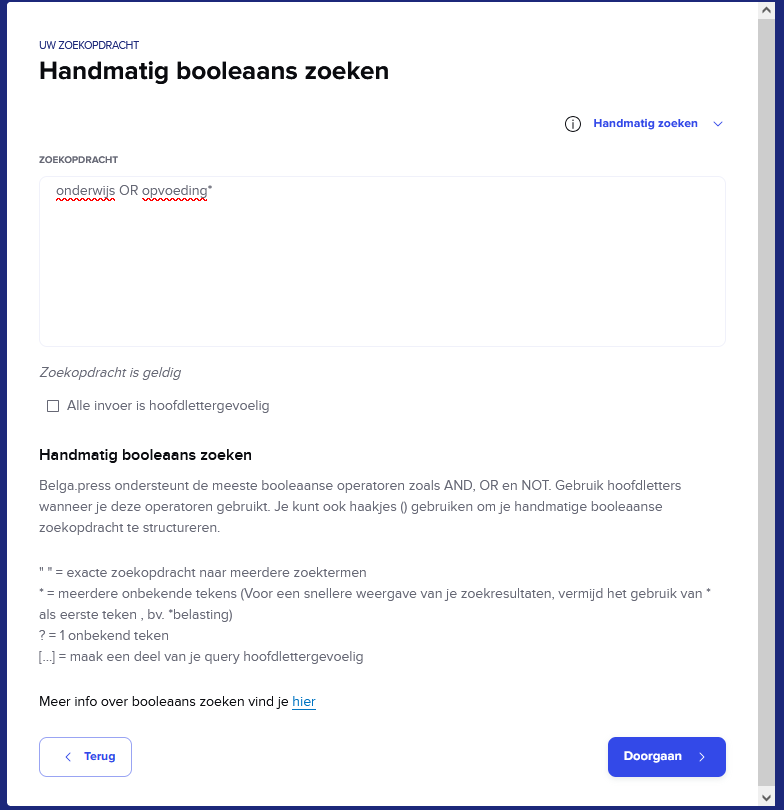
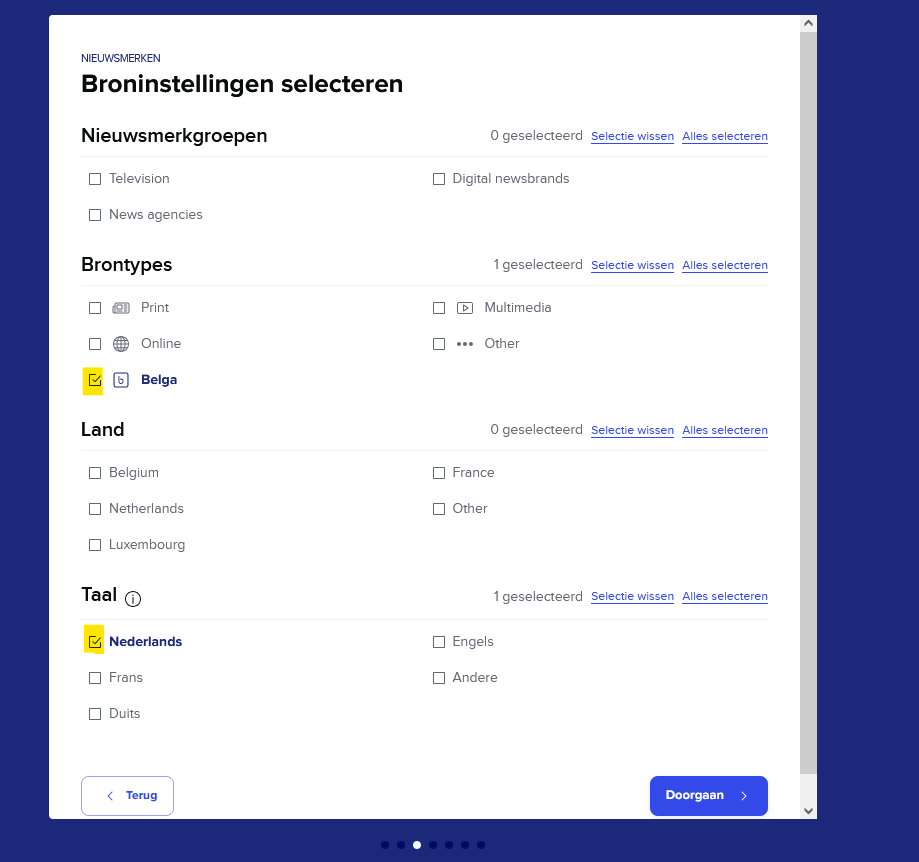
- I select the type of Belga content and the language or languages I am interested in.
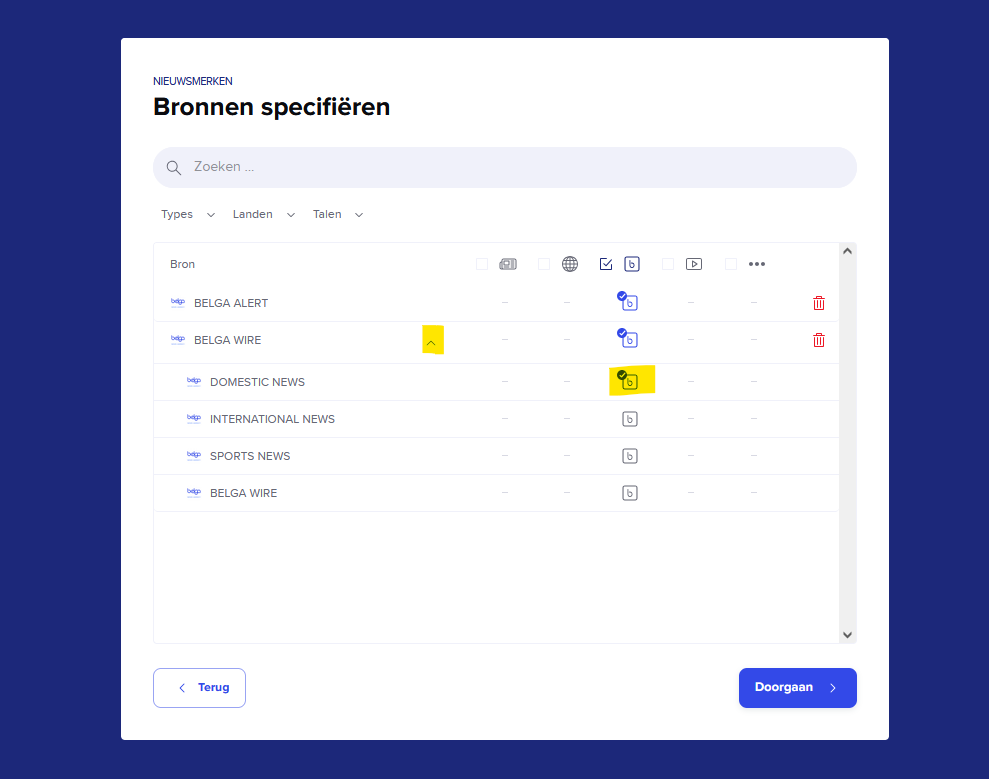
- For sources, I select Belga Wire and, if desired, Belga Alert (short news items) via the search query. The Belga Wire source is divided into three categories: Domestic news, International news, and Sports news. If you only want news related to Belgium, select “Domestic news”.
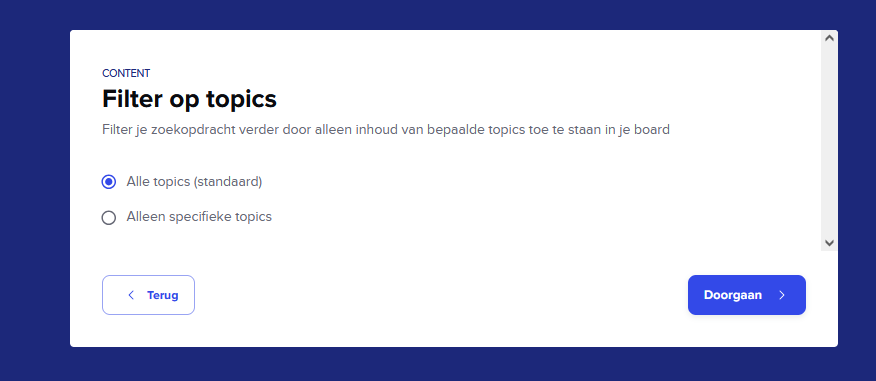
- The content of Belgapress is categorized into 38 topics. By default, I search across all topics. But you can choose only one.
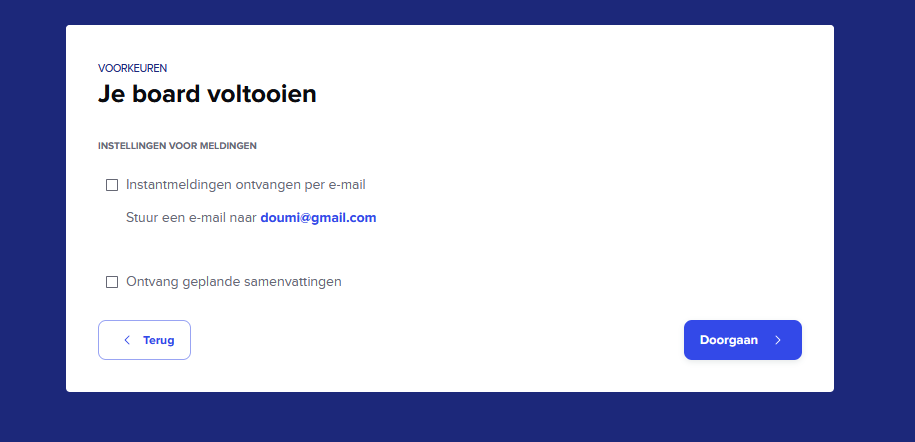
- I am not enabling notifications at the Board level because I am also adding myself as a feed recipient. The advantage is that I can open and read a notification directly in the Belgapress app, which is not possible from a Board.
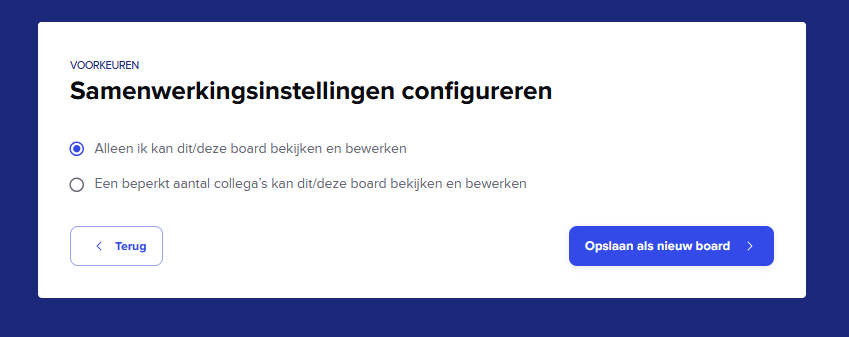
- I share my Board (or not) with my fellow curators, and I create my own Board.
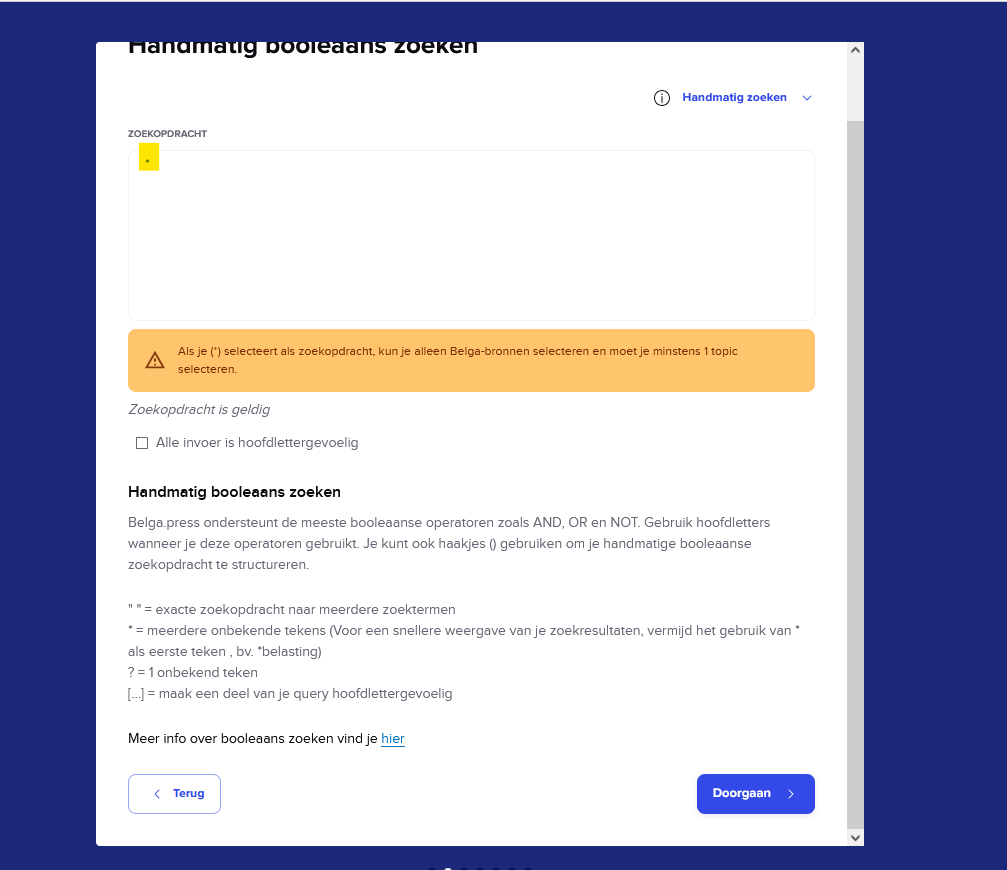
A quick tip for Belga sources: you can create a Board without keywords to receive all messages on one or more topics.
- In a new Board, I type an asterisk * instead of my keywords.
- Next, I select the topic or topics that interest me from the ‘Topics’ section.
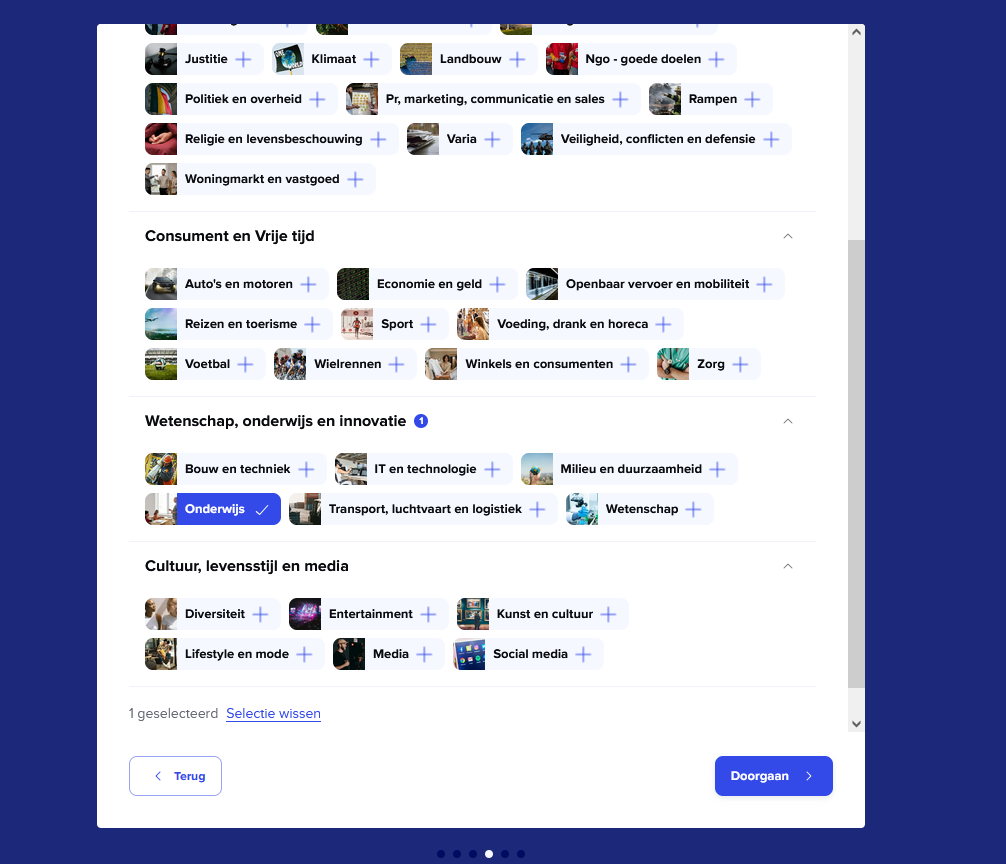
Note: A board created based on one or more topics contains news items in French and Dutch by default. If I want the messages in only one language, I go to ‘Change board preferences’, ‘Content languages’, and select the language I want.
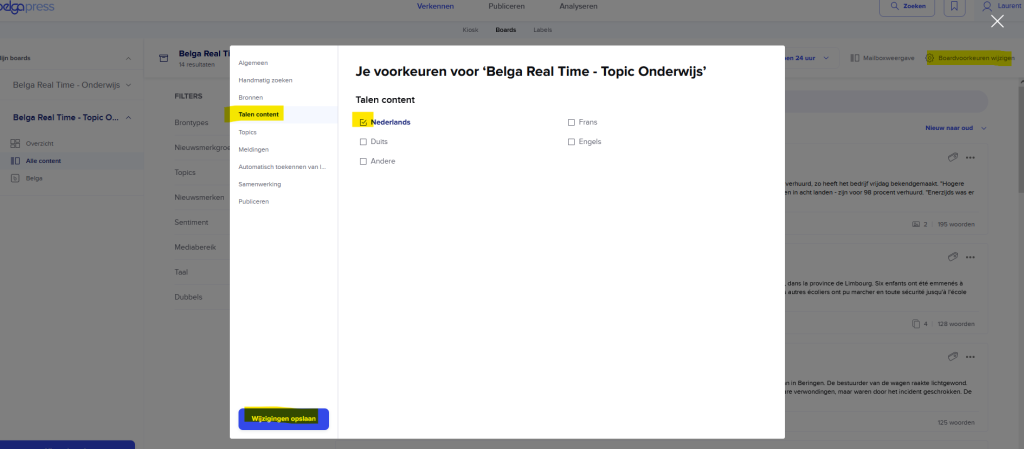
To create my feed, I can use the content from two Boards: a keyword-based Board and a second one containing all Belga posts on a specific topic.
Step 2: Creating the feed from the Board(s)
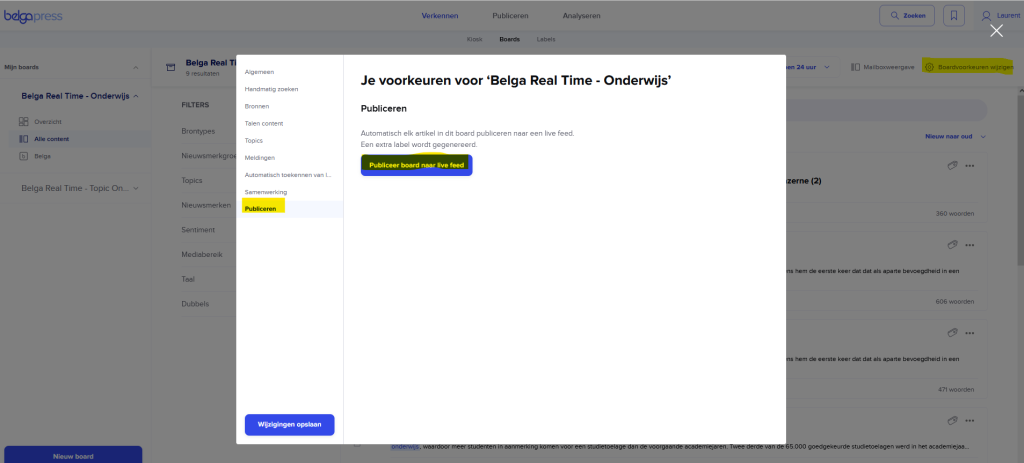
- I open my Board and click on “Change Board preferences”.
- In the “Publish” tab, I click on “Publish the Board to a live feed”.
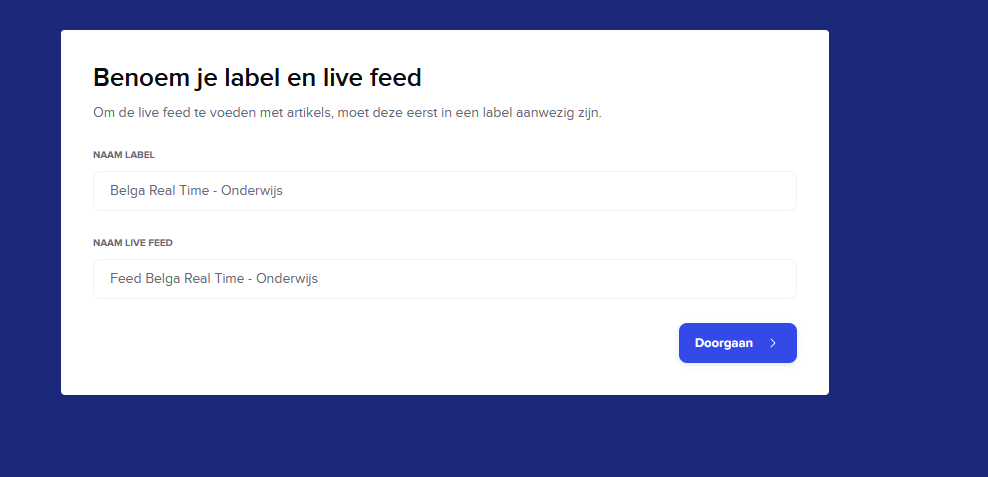
- I may or may not change the name of the label (folder) that will host the board’s items, and I give my future feed a name.
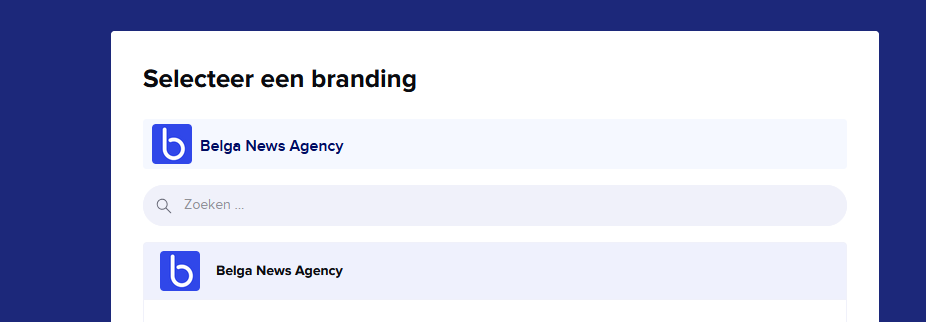
- I select my brand. Note: a brand is created in your profile settings, under the “Brands” tab.
- I select the recipients of my feed. In this case, it is the ‘Belga Real Time’ contact group.
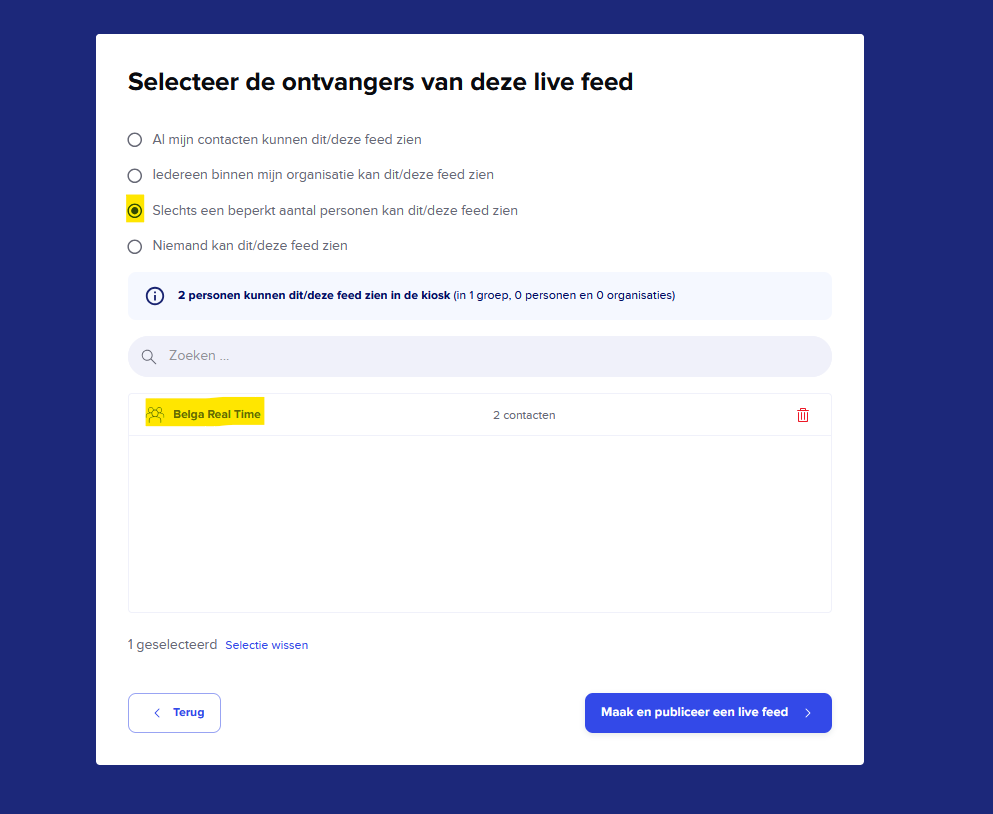
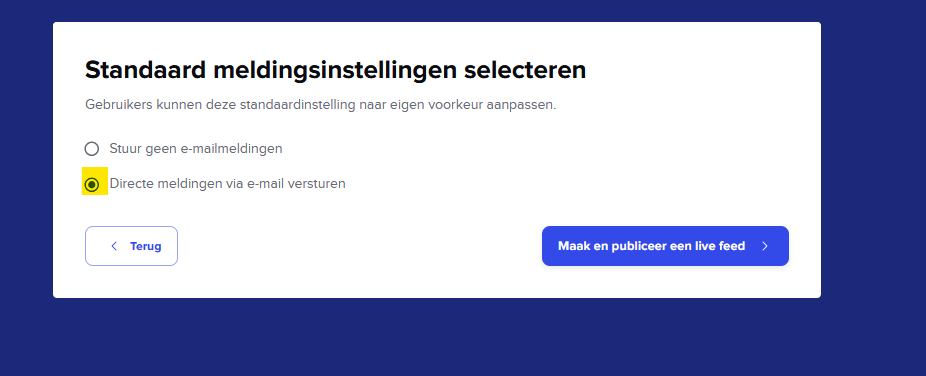
- Since I want to create a real-time email alert, I select ‘send immediate email notifications’ and create my feed.
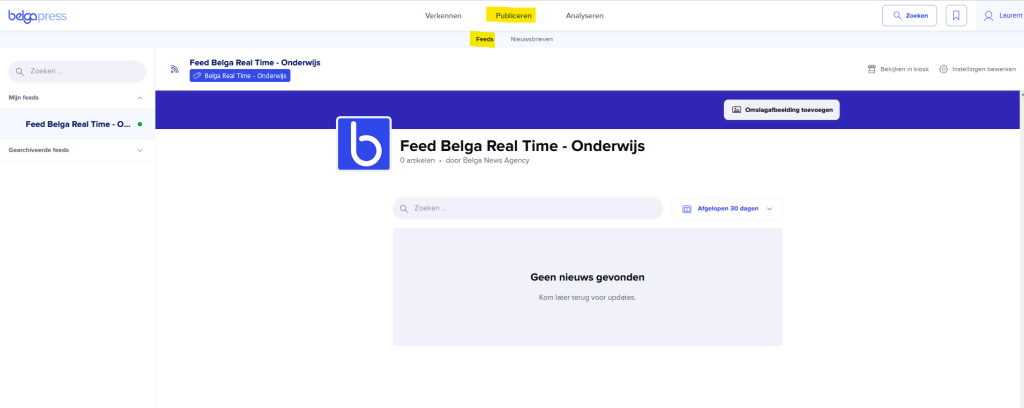
- My feed is now available under ‘Publishing’ > ‘Feed’. Please note that a feed is not retroactive; only future posts will be available in my new feed.
- If I want to, I can add the content of my second ‘Theme’ board to my feed. To do this, I go back to ‘Explorer’, open my second board, go to ‘Edit board preferences’ and the ‘Automatic label assignment’ tab, and select the label (folder) I created earlier.
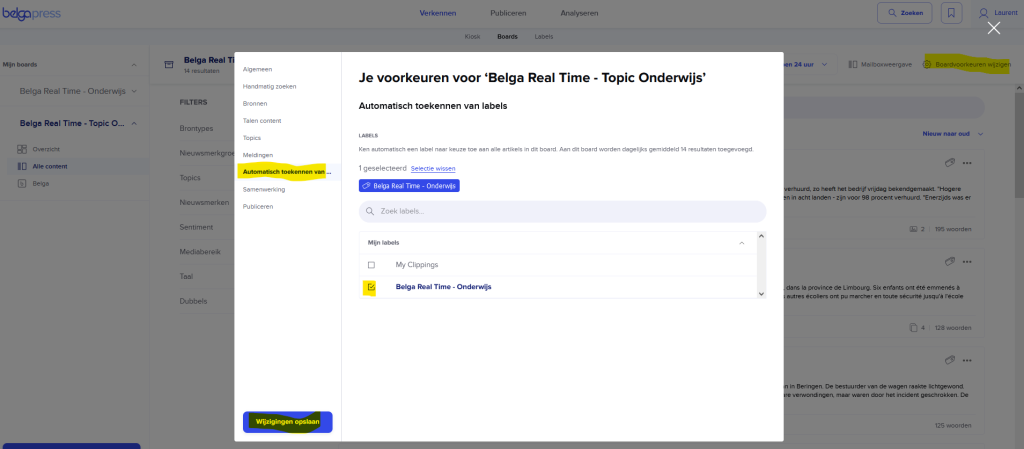
The content of my two boards is then sent to my feed.
The feed at the recipient level
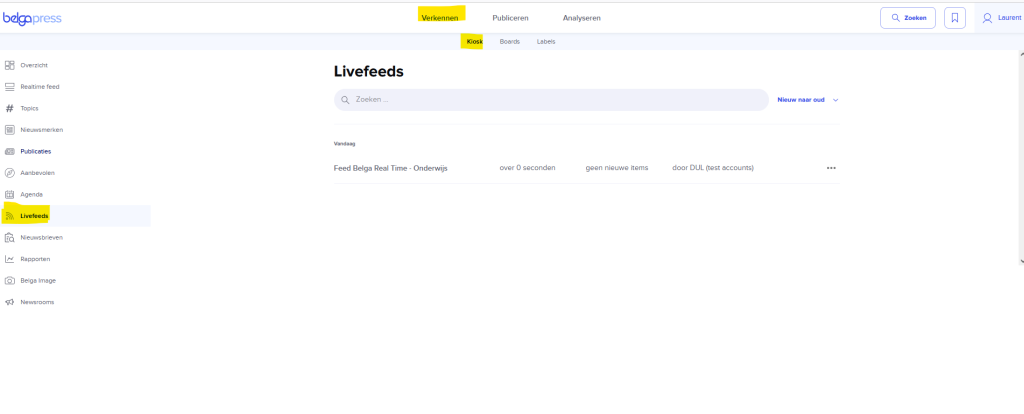
- The feed is located in each recipient’s kiosk, under the “Live feeds” tab.
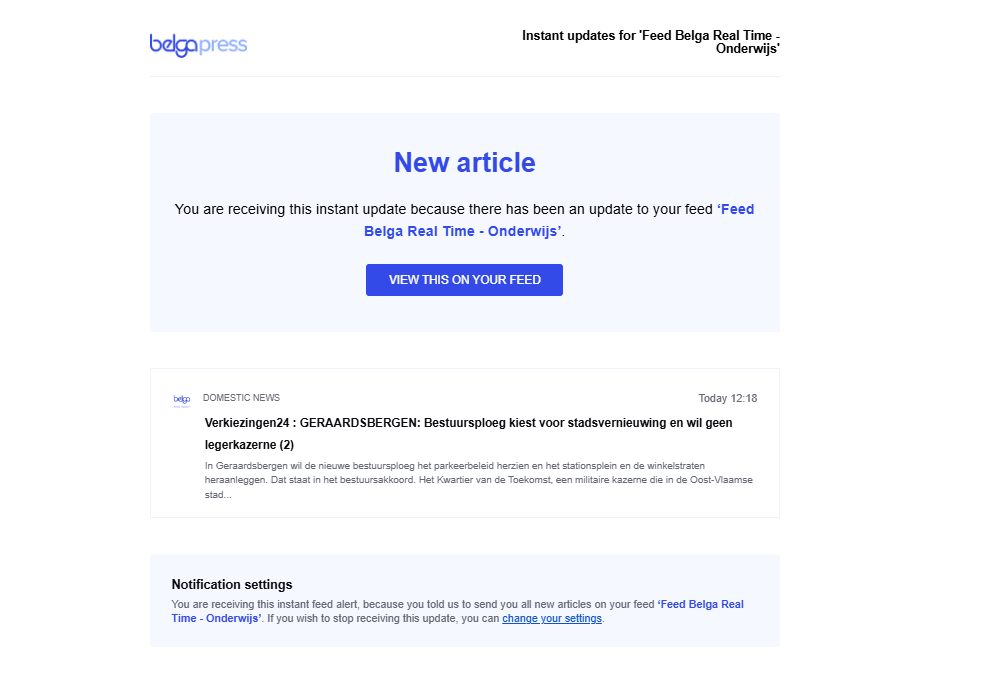
- When a new article arrives in the feed, the recipient receives an email from Belgapress.
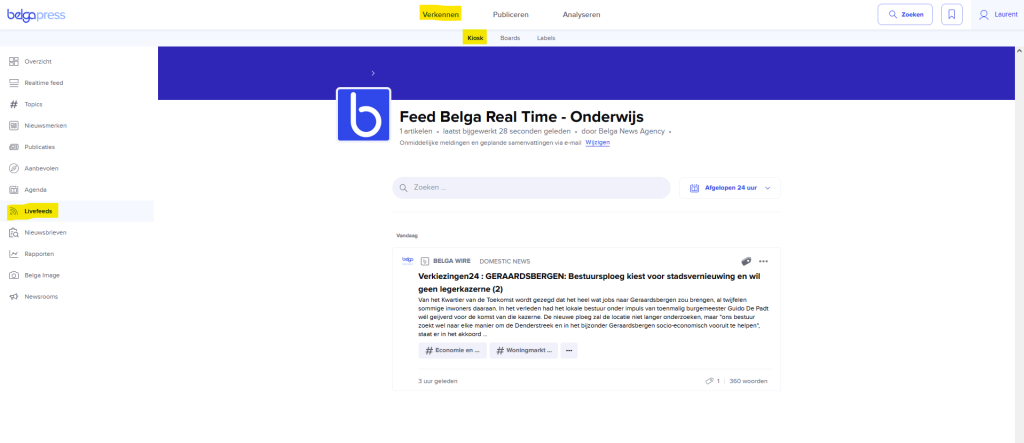
- They can click on this from a computer and read the message on the site.
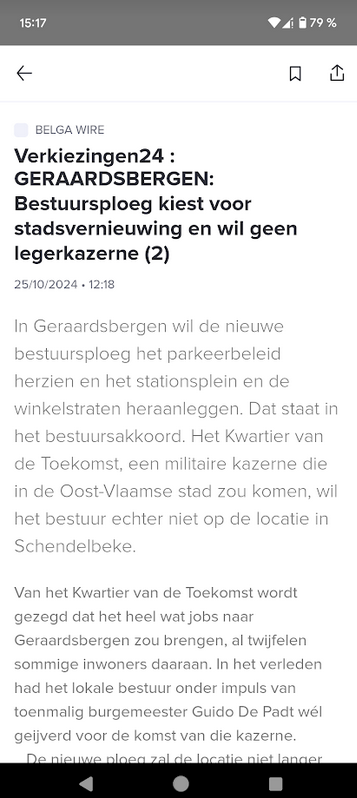
- Or they open the email on their smartphone and read the message directly in the app.
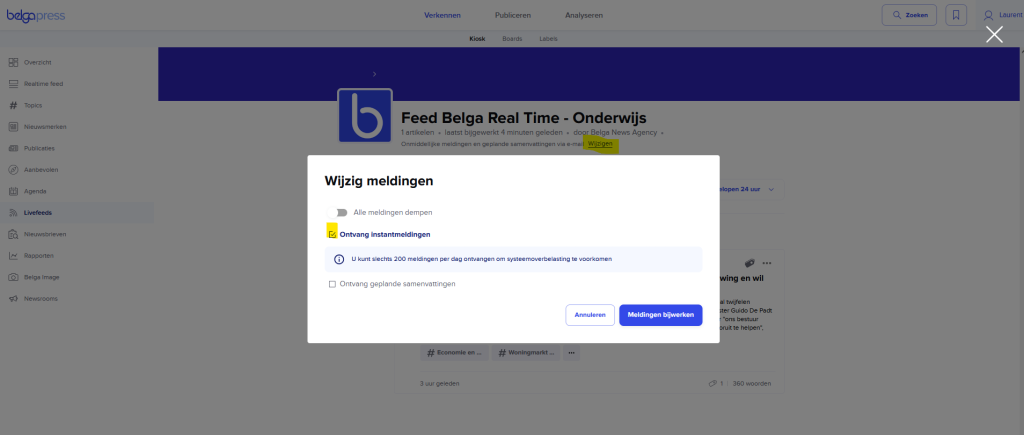
- By default, email alerts are always real-time, but recipients can disable them or change the type in their feed’s notification settings.
Belga Real Time for curators and lead users
A curator or lead user can also activate personal Belga Real Time alerts.
- I enter my keywords in the search box and click “Search”. Once I have my results, I click “Save as saved search”.
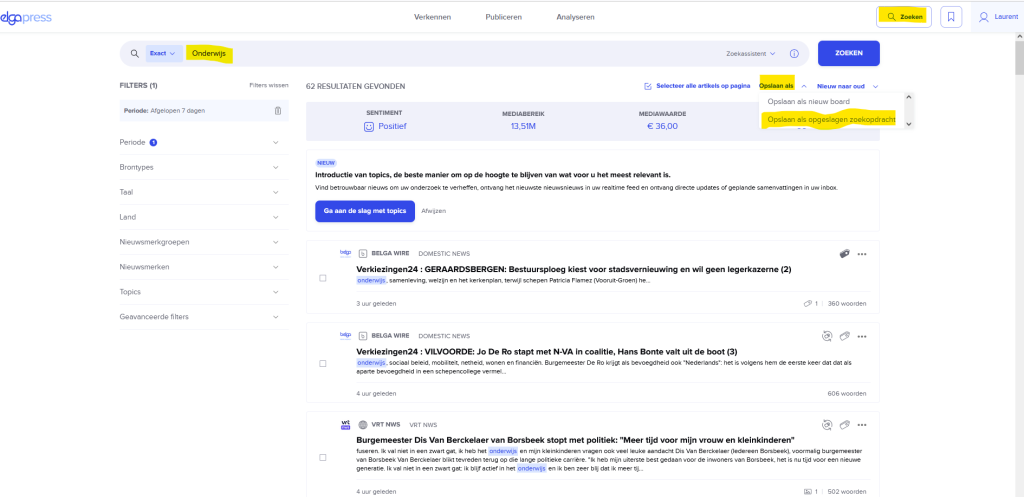
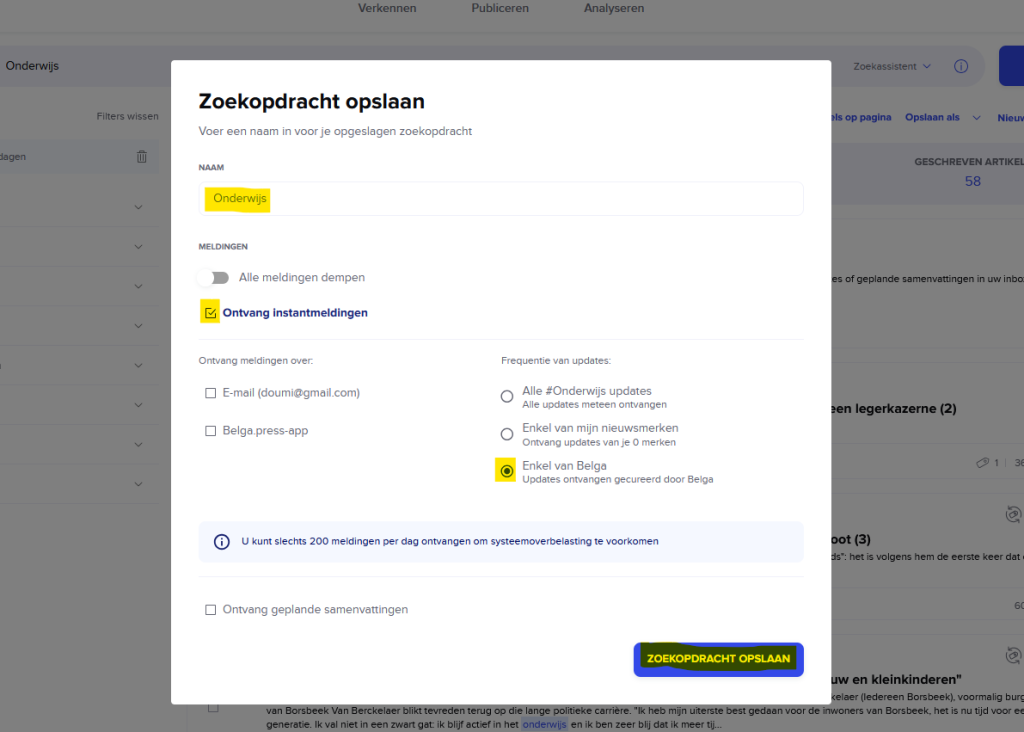
- I name my search query, select “receive immediate notifications” and “only from Belga,” and save it.