
This post is (also) available in: NederlandsFrançais
On the Explore page, select the ‘Explore’ option in the top-left corner. Then, from the menu, select the ‘Calendar’ option.
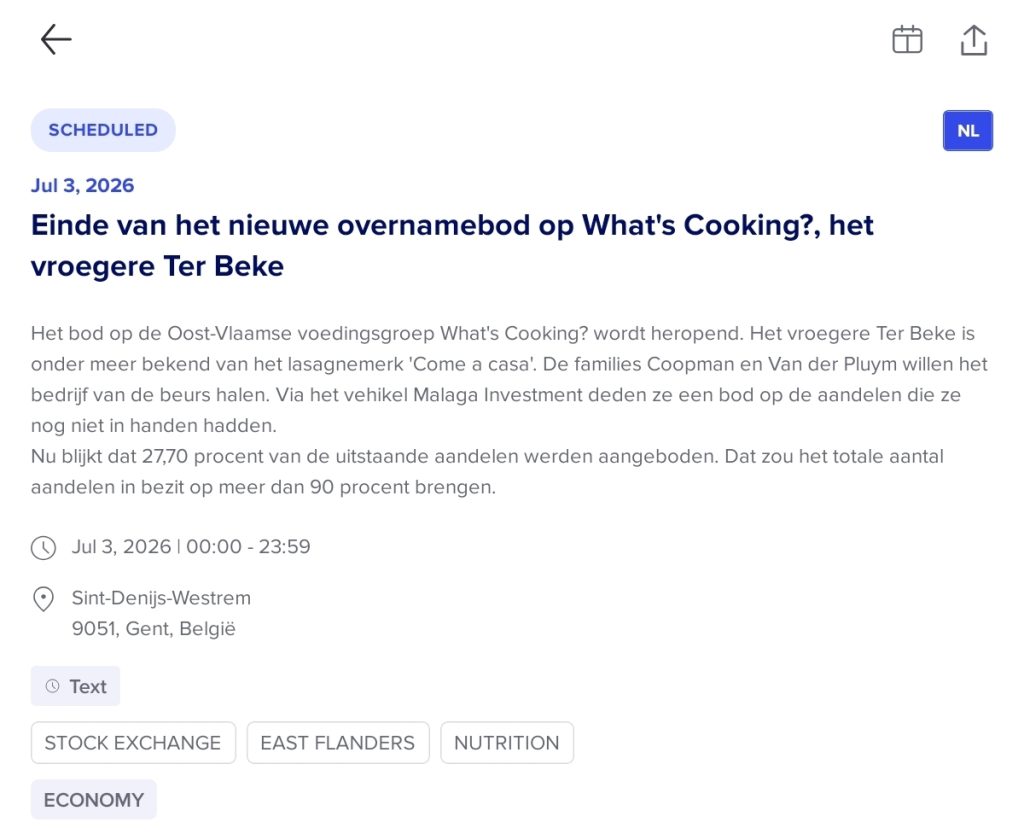
By clicking an item in the overview, you can view its details and read the article in full. As an example, consider the article about What’s cooking?
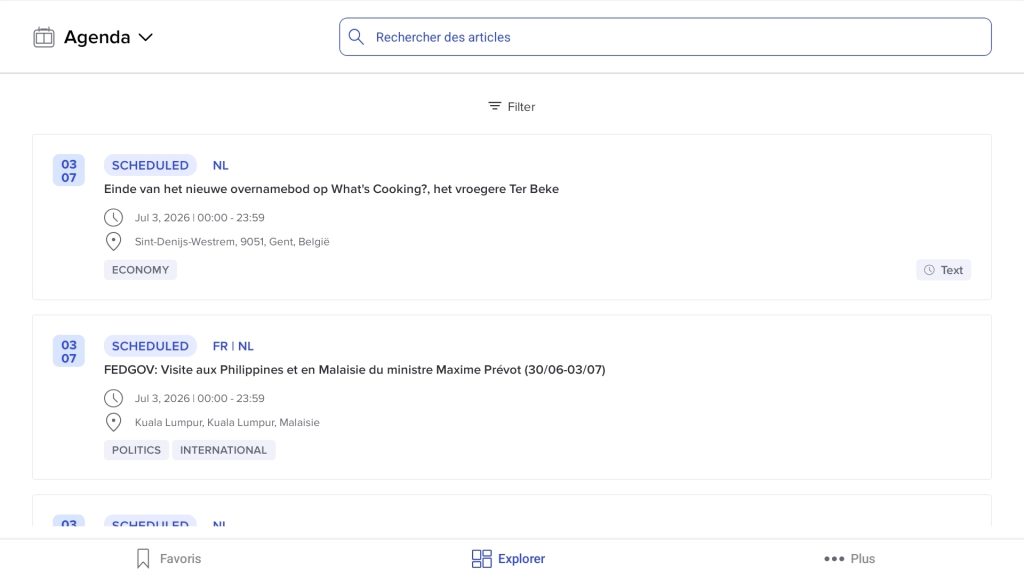
Agenda is designed to help you keep track of current and important events. The home page automatically displays the most relevant events for the current day. Using filters, you can change the dates and adjust various other settings.
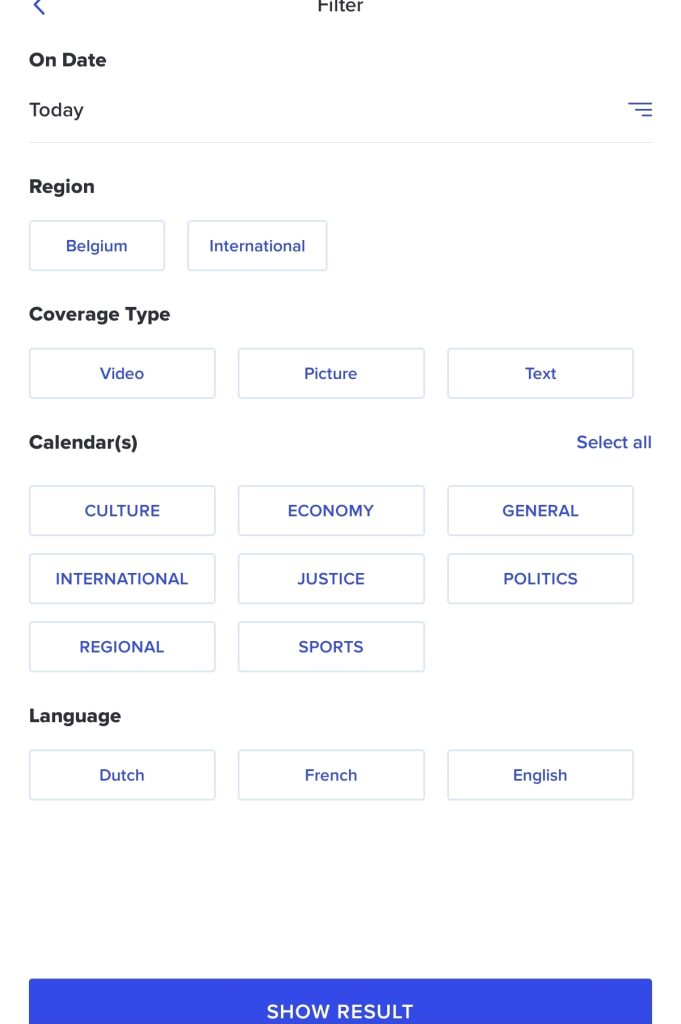
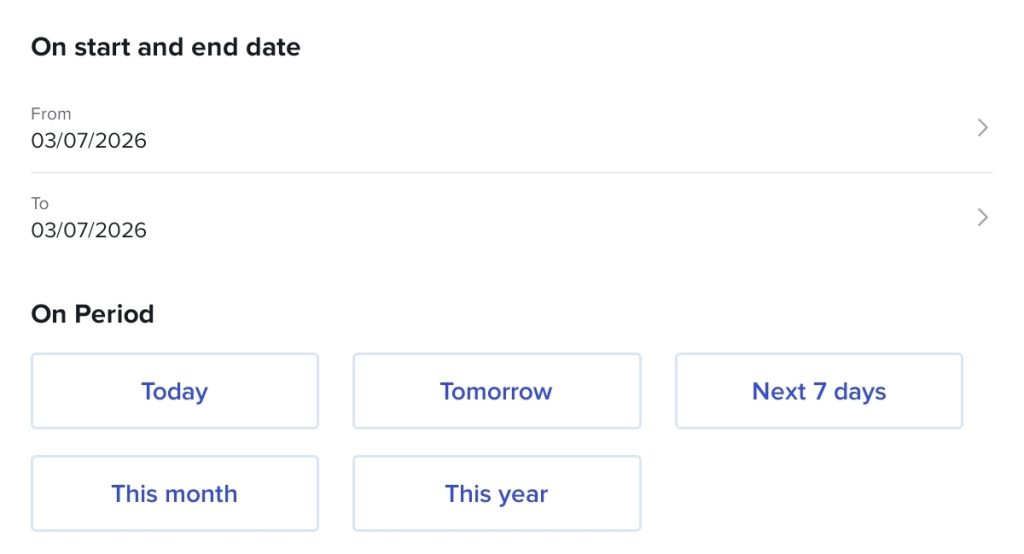
The first option is to filter by date. This is right at the top, and by clicking on the ‘Today’ tab, you can view the details.

Select a start and end date or a period to search more specifically for events in the future or for today’s events.
There is also the Coverage type filter. This is how Belga will cover this topic (in text, videos, or photos).
In the Calendar section, you can select the themes to include in your personal calendar and set your language here as well.