
On the Explore page, select the Explore option in the top-left corner. Then, from the menu, choose the option Live feeds.
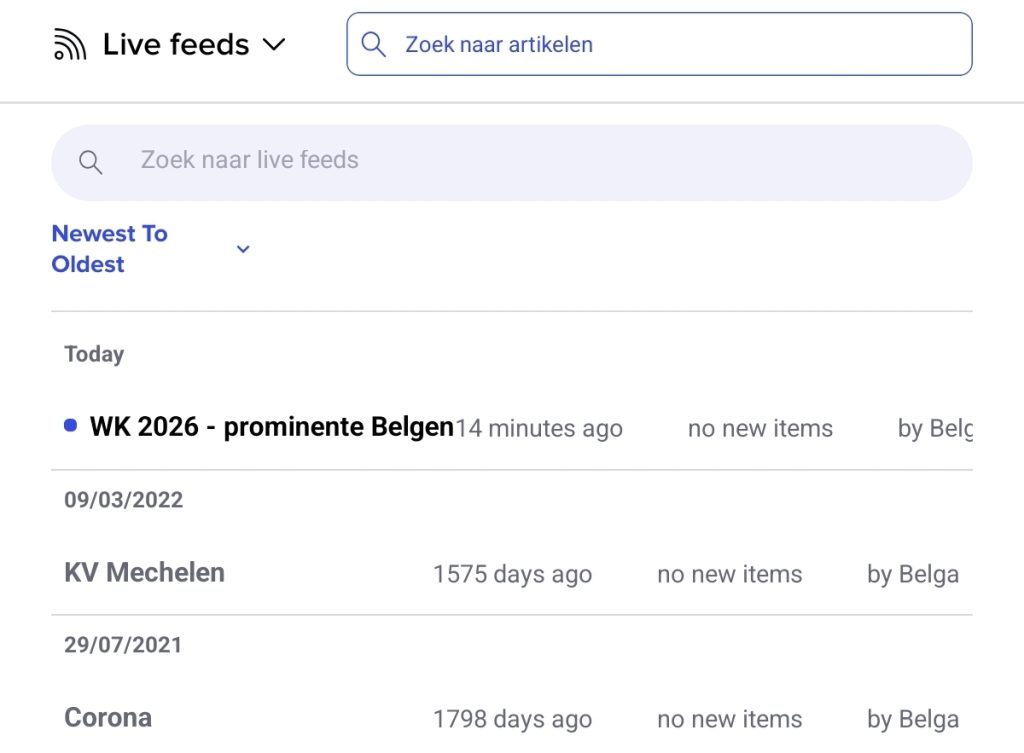
What are Live feeds?
With Live Feeds, we’re introducing dynamic news feeds. Whereas a newsletter is a clear snapshot in time, a live feed can be thought of as a continuous stream of carefully selected information.
You create a live feed based on one or more tags. All content with those tags is automatically included in your live feed. The great thing is that, just like with a newsletter, you can decide for yourself who has access to this live feed and what its branding looks like. Each live feed can be viewed both within the web interface and on the native app. If required, we can also make the content available for integration into, for example, your intranet.
This allows you to make multiple live feeds available to your target audience within your organisation, as required. Rather than an overload of information in a single feed, recipients can then choose for themselves which live feeds they wish to follow, and whether they wish to receive notifications for these feeds. The initial decision on this lies with the curator.
Specific Live feeds
When you click on a specific Live feed, it opens in a separate tab. As an example, we’ve included one from KV Mechelen, a football club in Belgium.
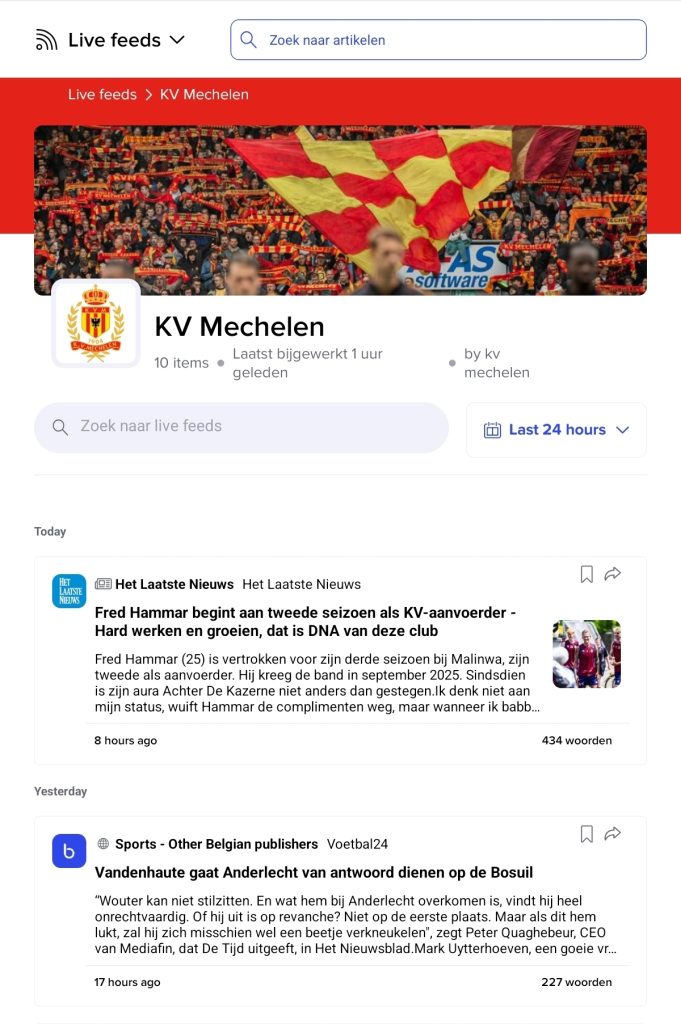
You can search specifically for certain live feeds by clicking on the search bar below the title. To select a specific time from the feed, click on the calendar next to it, which is automatically set to 24 hours. Click on an article to read it.
Managing live feeds
It is best to install a live feed via the web version (see the belga.press web guide – Live Feeds); the tablet version is handy for viewing the feeds you have installed to receive constant updates.
Live feeds are divided into categories. You can create these yourself based on your interests. For more information, see the belga.press web guide – Live Feeds.