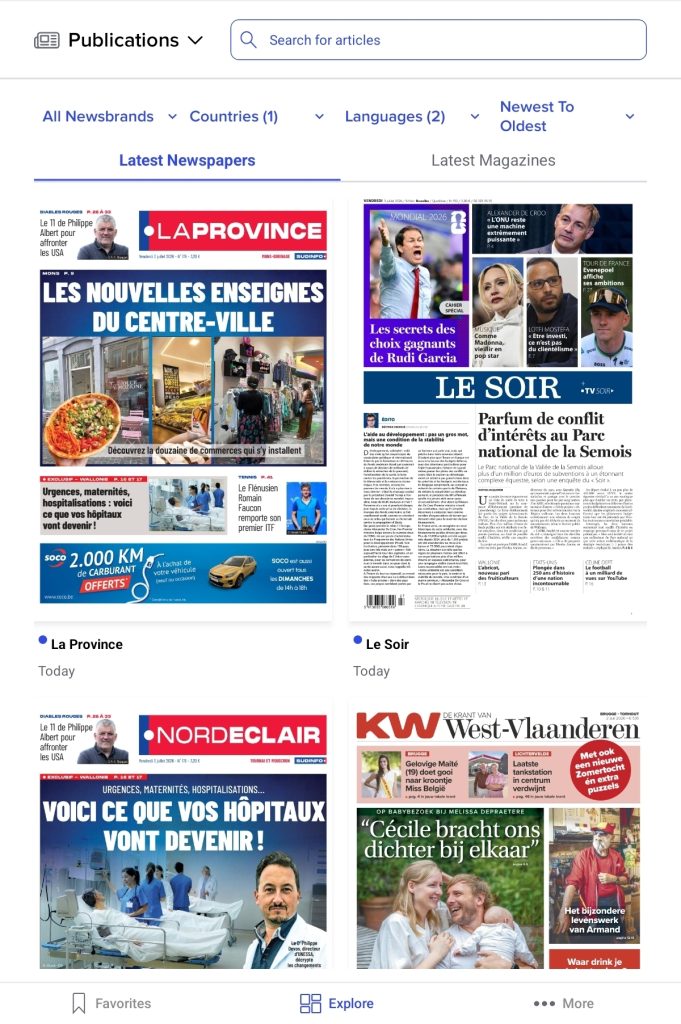
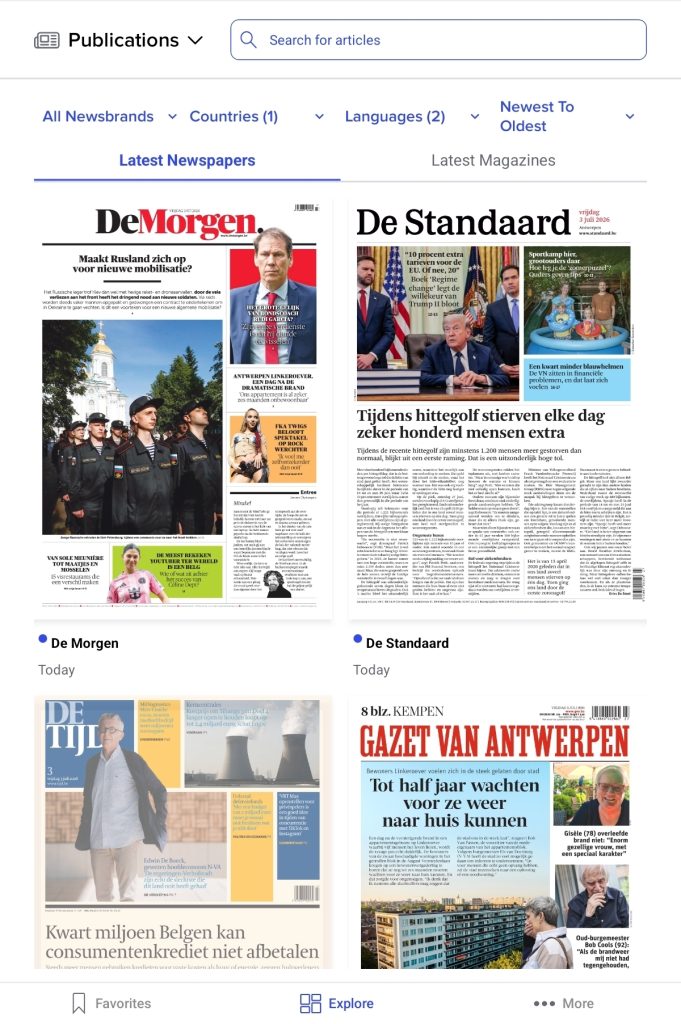
On the Explore page, select the Explore option in the top-left corner. Then, from the menu, choose the option Publications. In this overview, you will find all available newspapers and magazines under the Newspapers and Magazines categories. You can read a publication in its entirety simply by clicking on the title.
Filters
To refine your searches, you can use the filters at the top of the page. These allow you to easily filter by Newsbrand type, country of origin and language, or to adjust the order in which the results are displayed.
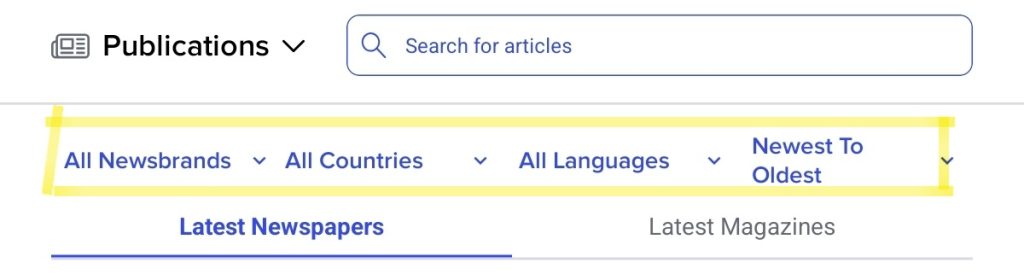
The first filter is All/My Newsbrands. My Newsbrands refers to your favourite newspapers. The second filter is All Countries, which covers the countries where the newspapers are published. Via Belga.press, you can read newspapers from Belgium, the Netherlands, France, Luxembourg and more. The third option allows you to choose the language of the article, and finally, you can select the order in which the results are displayed. This can be from oldest to newest and vice versa, or from A to Z and vice versa.
Open newspaper
When you click on a newspaper, it will open. The screen below is what you’ll see. You can zoom in on the newspaper, read it in portait or horizontally, swipe from page to page and more.
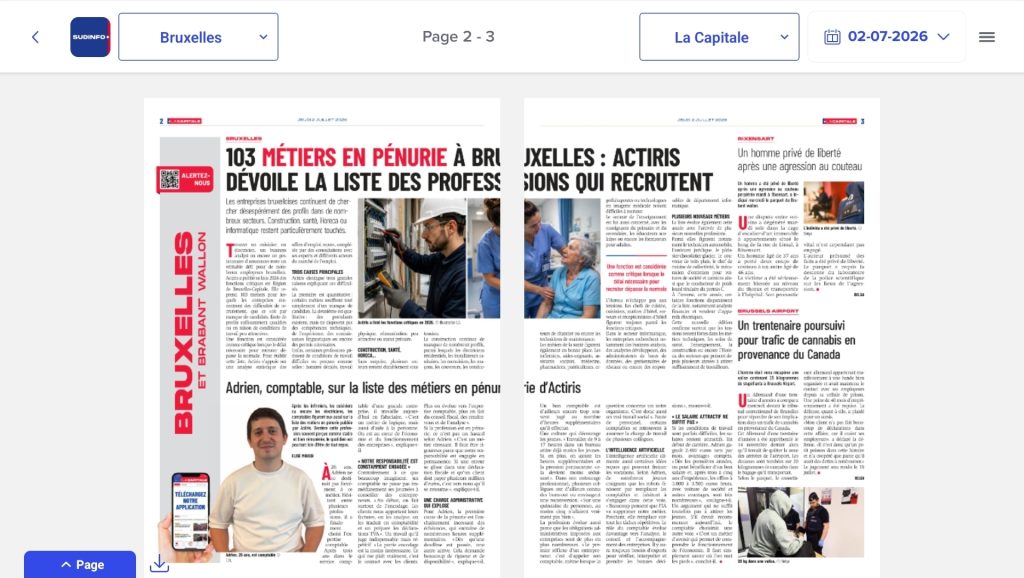
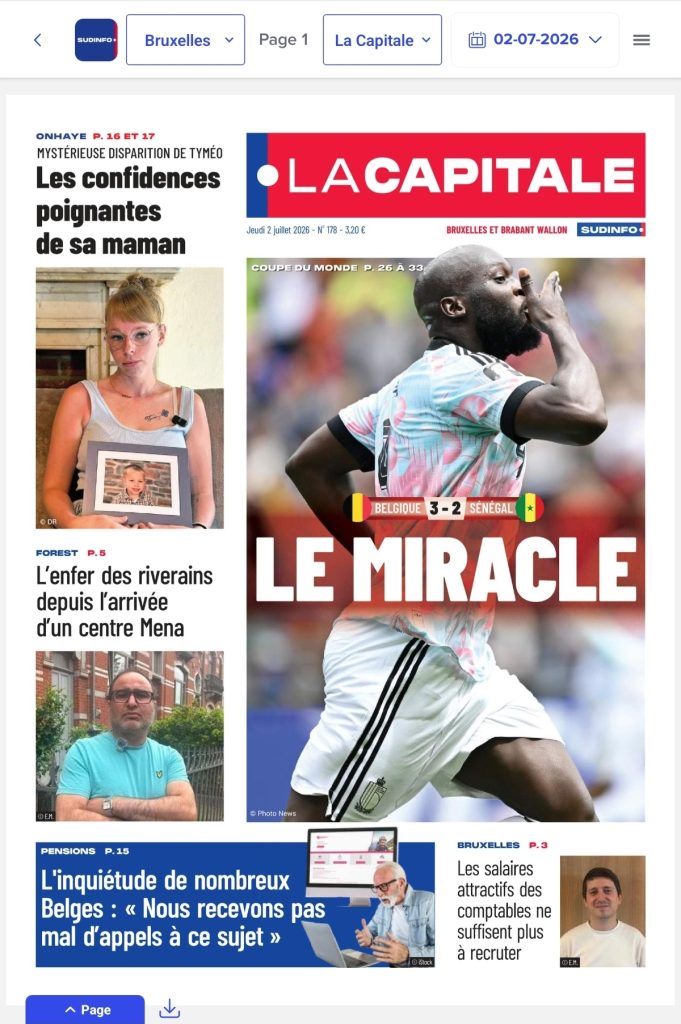
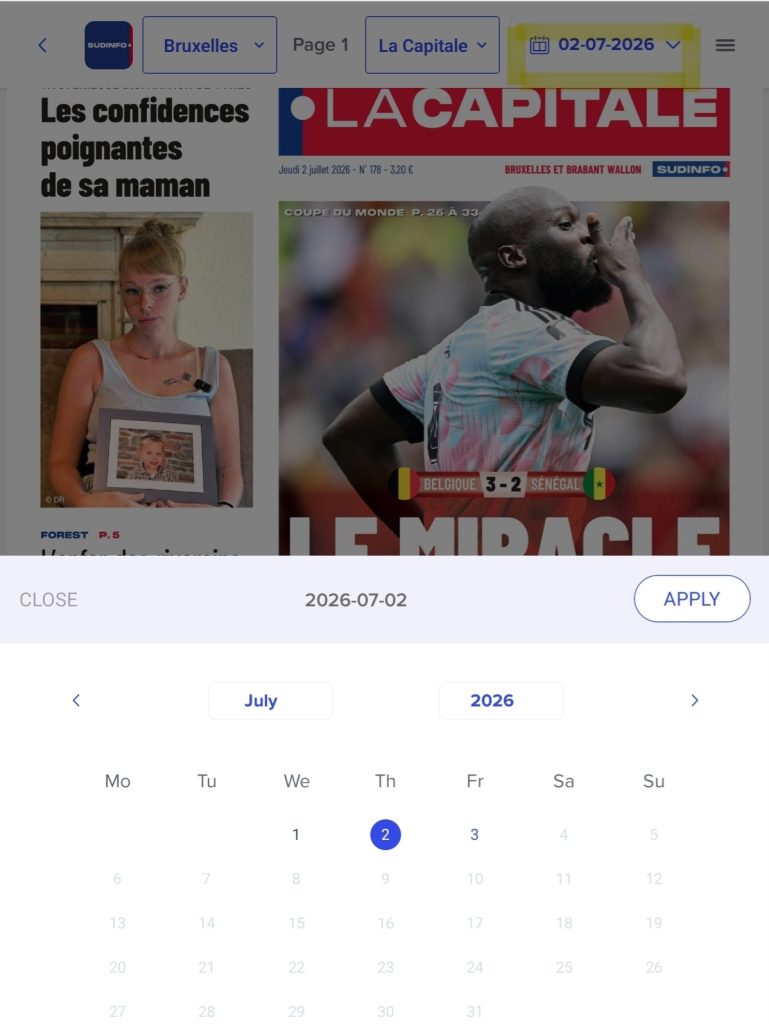
At the top of the page, in the box furthest to the left, you can select the edition of your newspaper. In the example above, this is Brussels. Next to this, in grey, it shows which page you are on. Next to that, the name of the newspaper is displayed, in this case La Capitale. Between the three dashes on the right and the name of the newspaper, you can change the date. This means you can also read newspapers from a few days or weeks ago. The three dashes on the right-hand side represent the titles of the newspaper articles.

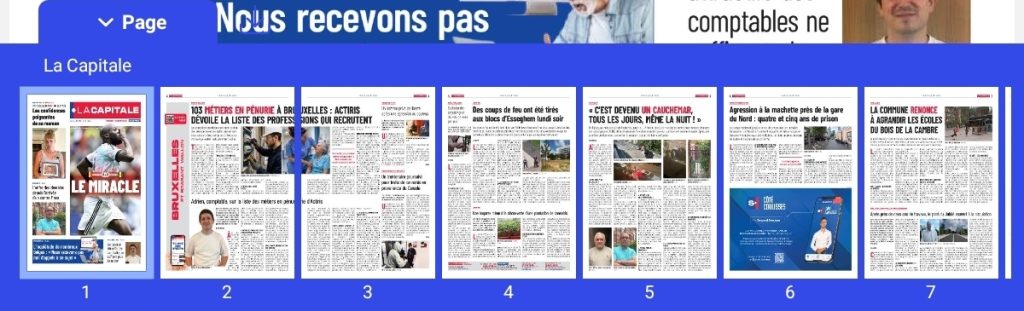
At the bottom of the page, you’ll find a blue bar. You can use this to quickly switch between pages. The down arrow is for downloading the newspaper. You can find more information about this under My Profile – Downloads.