
This post is (also) available in: NederlandsFrançais
Below the search bar is a Live update section. This is used to access the Belga news service. Whereas a newsletter is a snapshot, a live feed is a constant stream of information. When you click on the blue bar, you’ll be redirected to Belga now.
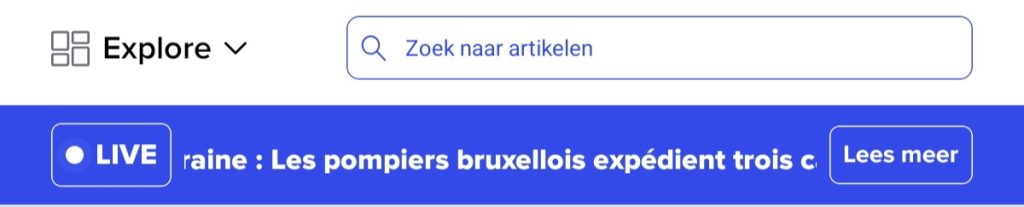
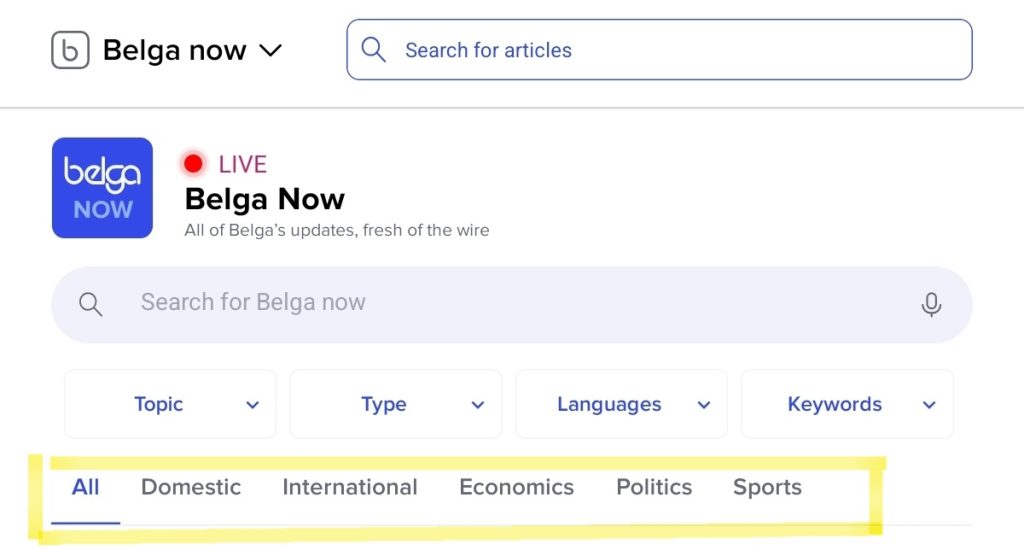
You can find this by clicking on ‘Explore’ next to the search bar and then clicking on ‘Belga now’. Here, you’ll receive constant updates on what’s happening in the world. If you’re interested in a specific area, you can select a topic, type, language and keywords below the search bar. There are also additional themes listed below that.
To read a live update, simply click on it.
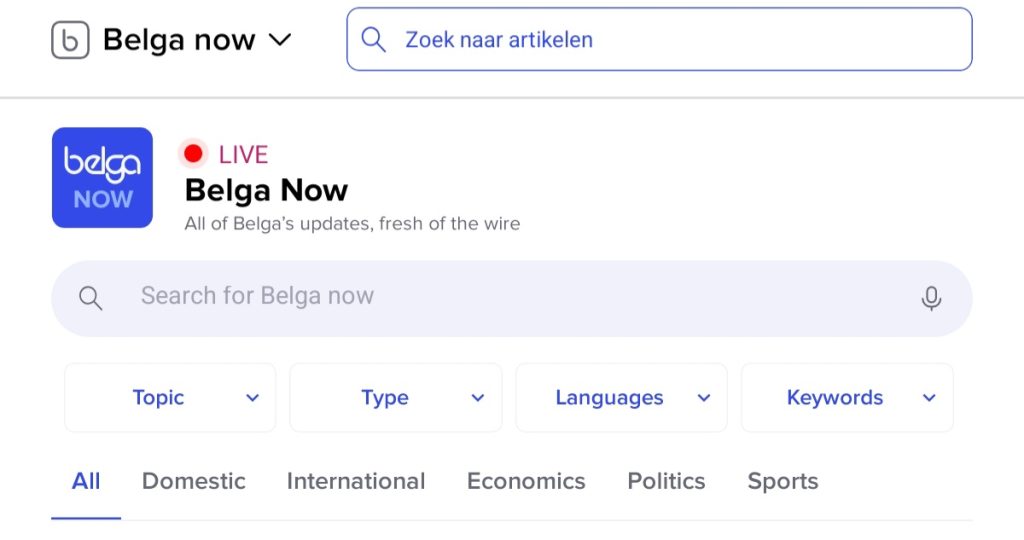
You can use the search bar to enter your search term and carry out a targeted search. This is the grey bar below Belga Now.
Tip: Don’t make your search query too long if you want more results.
Topics
To find a specific topic, click on the ‘Topic’ tab below the search bar on the left. Here, you can choose from a wide range of themes to help you find live updates that match your interests.
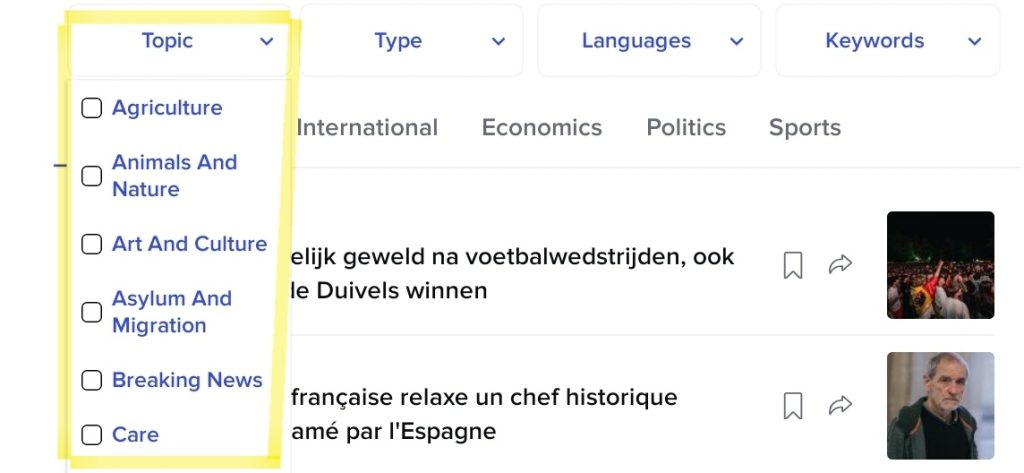
Let’s take the topic of Asylum and Migration as an example. We now receive more specific updates straight away on matters such as foreign nationals, emergency aid, deportations…
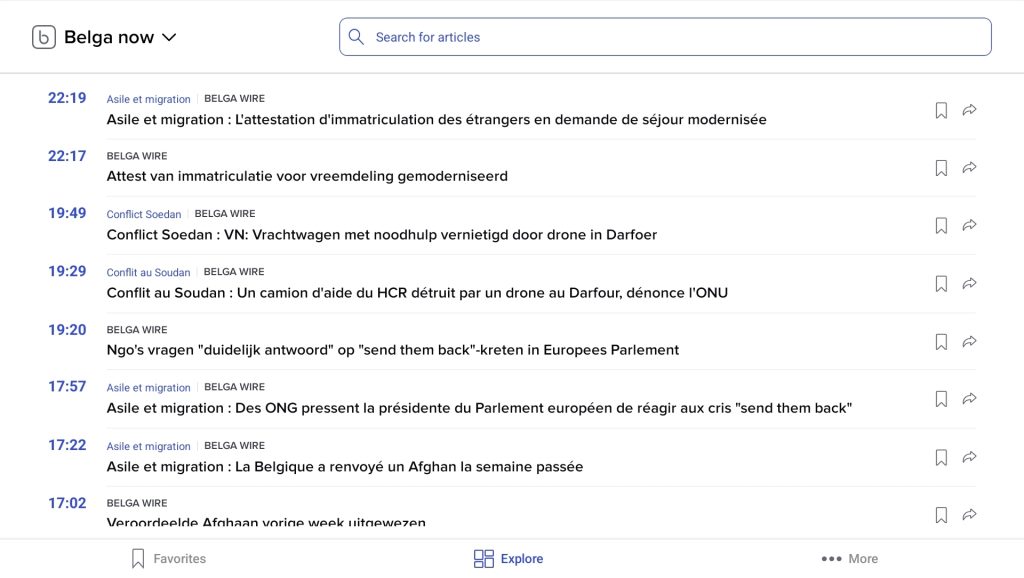
Type
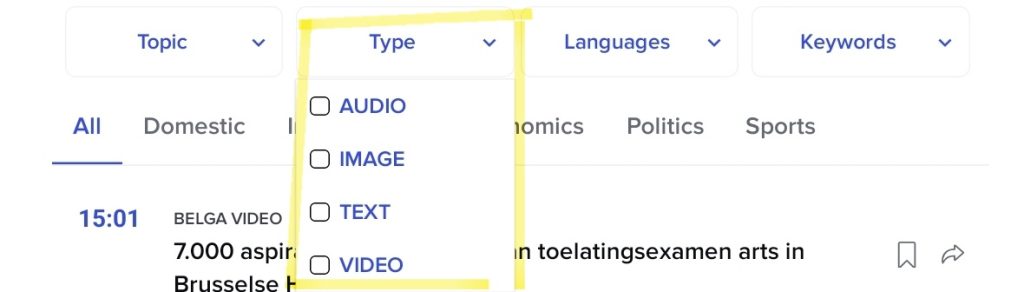
If you’d prefer a video, image or audio clip rather than text for live updates, you can select this in the second box below the grey search bar. These are the types of messages.
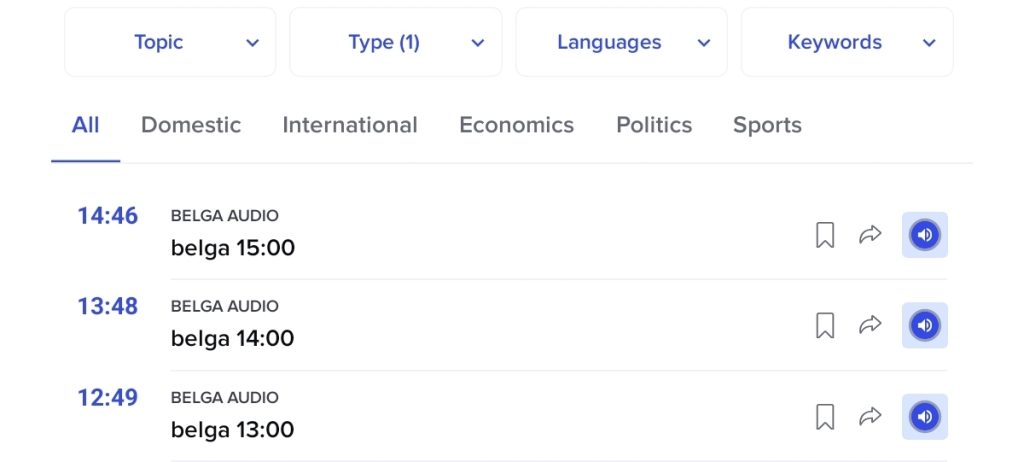
Let’s take the audio clips as an example. For each audio clip, there is a blue loudspeaker icon on the right-hand side. Clicking on this will play the audio.
Languages
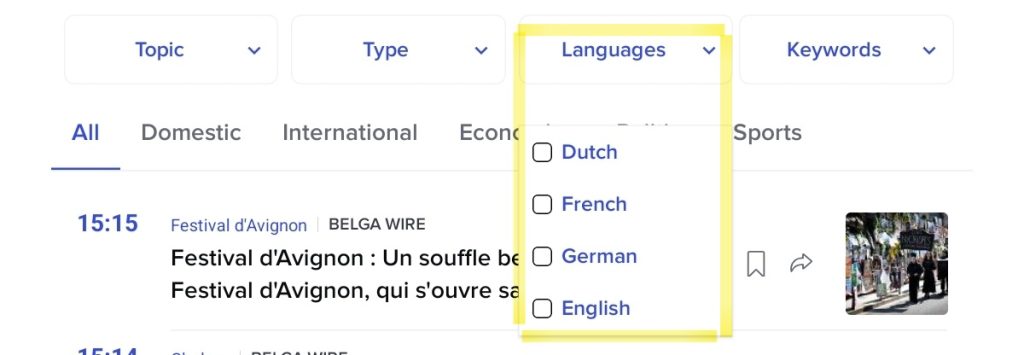
You can also specify the language. This is the third field below the search bar. The options provided by Belga.press are Dutch, French, German and English. (This guide is also available in French and Dutch, as well as English.)
Keywords
The most important words or the words that describe the context are listed on the right, below the search bar. You can use these keywords to focus on an element that illustrates what the topic is about.
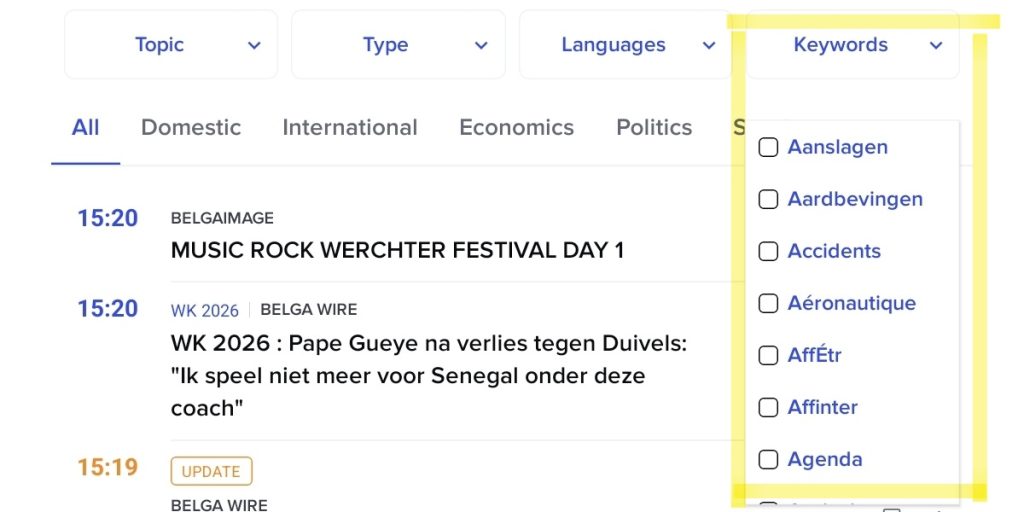
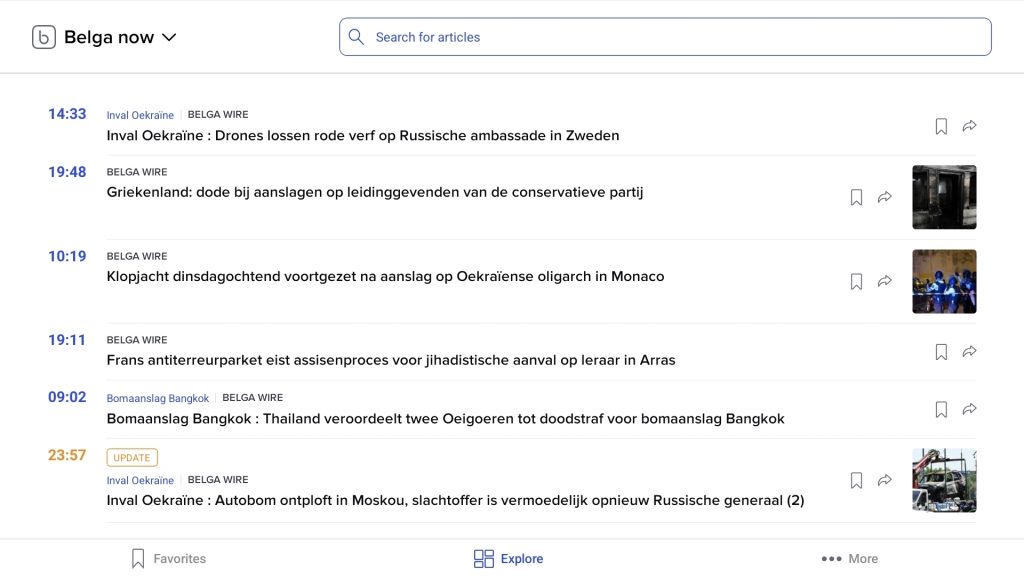
Let’s take the keyword ‘Attacks’ as an example. We now get various articles about Ukraine, manhunts, bomb attacks…
Broader topics
The bar below the search bar, which includes ‘topics’, ‘types’, ‘languages’ and ‘keywords’, defines the broader topics. If you want to explore a topic such as politics or sport in more detail, you can do so here.
Click a title to read the full content of an article.