This post is (also) available in: NederlandsFrançais
By clicking on Favourites at the bottom left with the bookmark icon, you’ll be taken to your favourite/saved articles. With just one simple click, you can read everything you’ve saved here.

Search for favourites
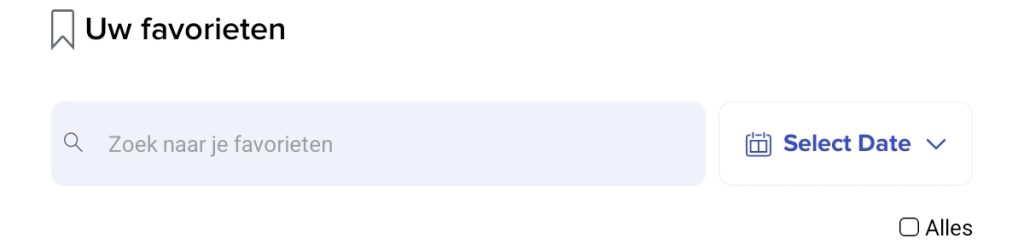
When searching for specific articles, there is a search bar at the top of the screen. By entering a recognisable term here, you can easily find your favourite item. Filtering by date is also a useful option.
You can easily remove or forward all items from your favourites by clicking All under Select Date. All items will now be selected, and you can deselect them or forward/delete them as required. To do this, click on the bin icon or the arrow in the blue bar at the bottom of the screen.