
A powerful news experience that you can read, listen to or watch.
After years of loyal service, it was time to give the native mobile app a fresh new look too.
What’s new?
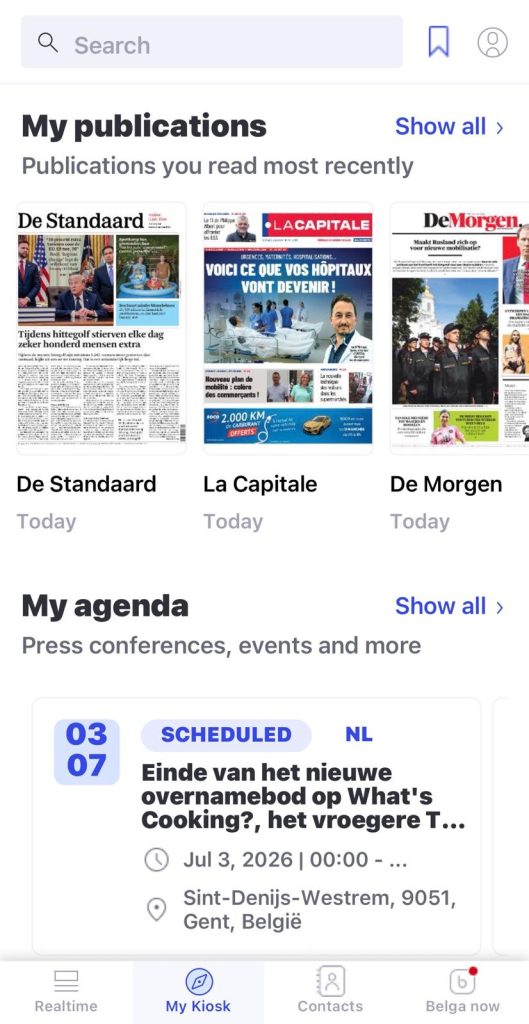
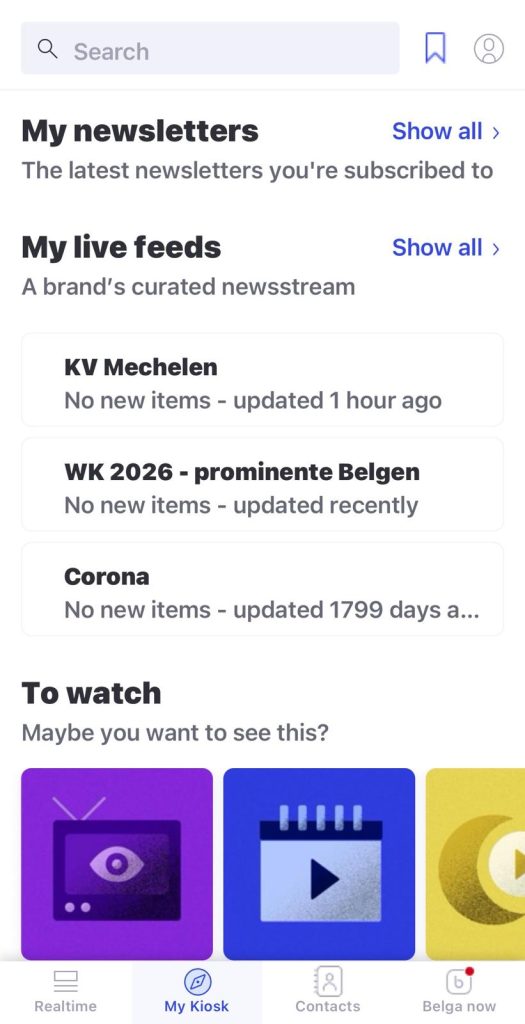
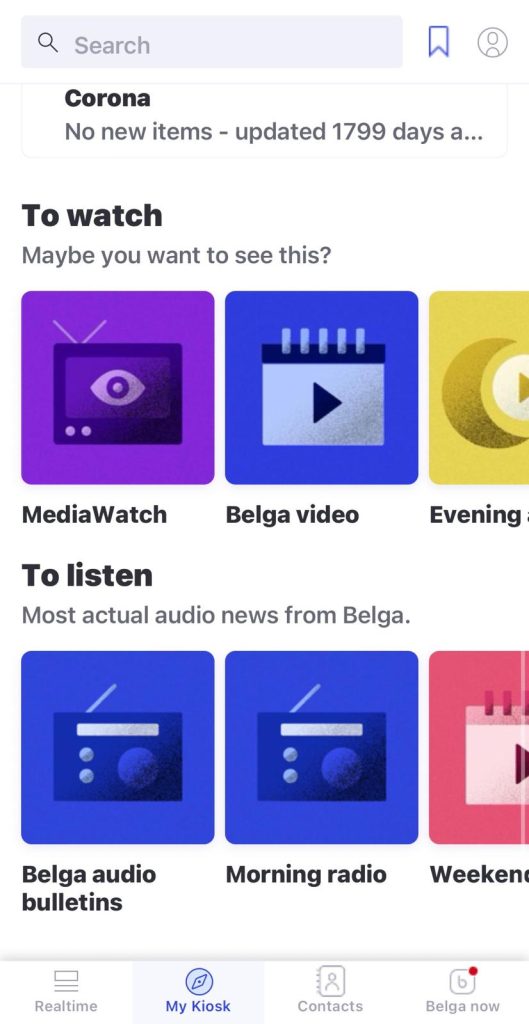
To this end, we have focused primarily on providing faster access to your favourite content, 24/7.
In our latest version, you’ll have instant access to your favourite publications, newsletters and live feeds, as well as some multimedia content.
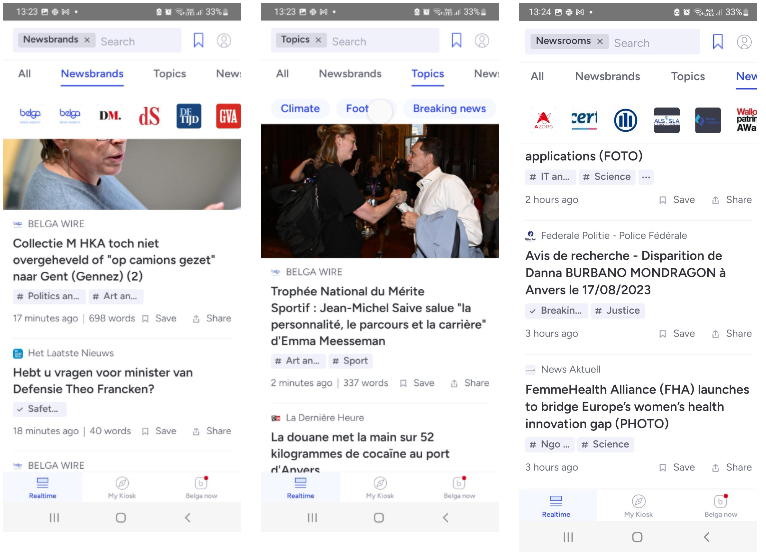
In the ‘real-time’ section, you’ll find your personal real-time feed as usual, as well as quick access to the news brands, topics or newsrooms you follow. That way, you can get straight to the news that interests you!
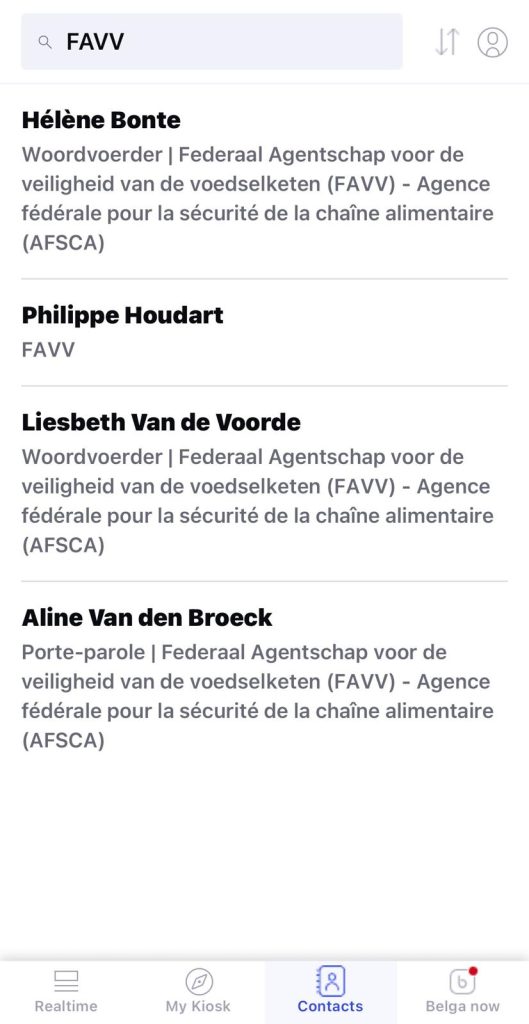
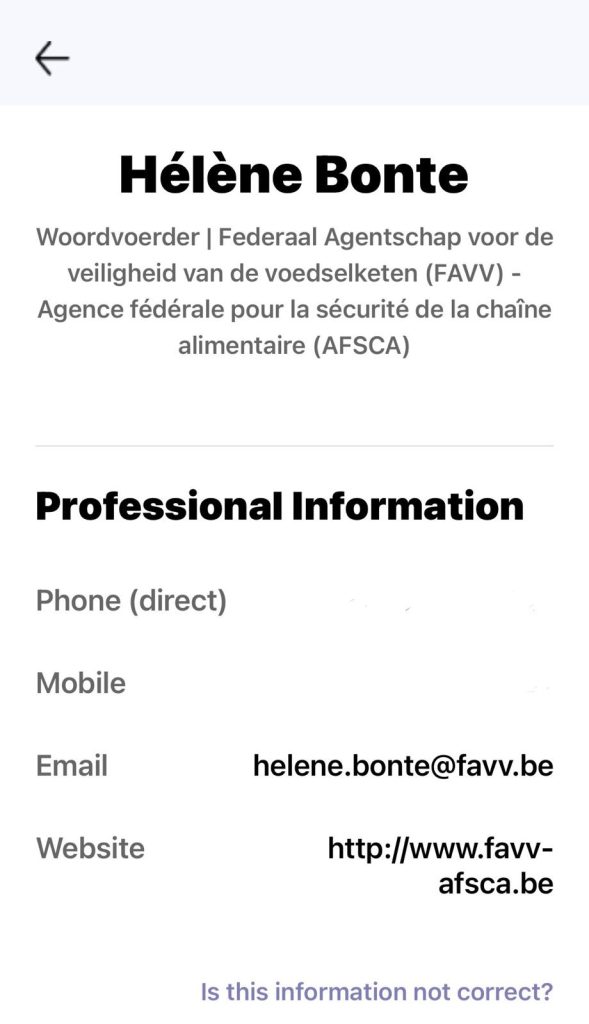
In the Contacts section, you will find profiles and contact details for various people. At the top of each entry, the name is shown in bold, followed by their role or place of work. By clicking on a person’s name, you can access detailed professional information such as email addresses, telephone numbers and websites.
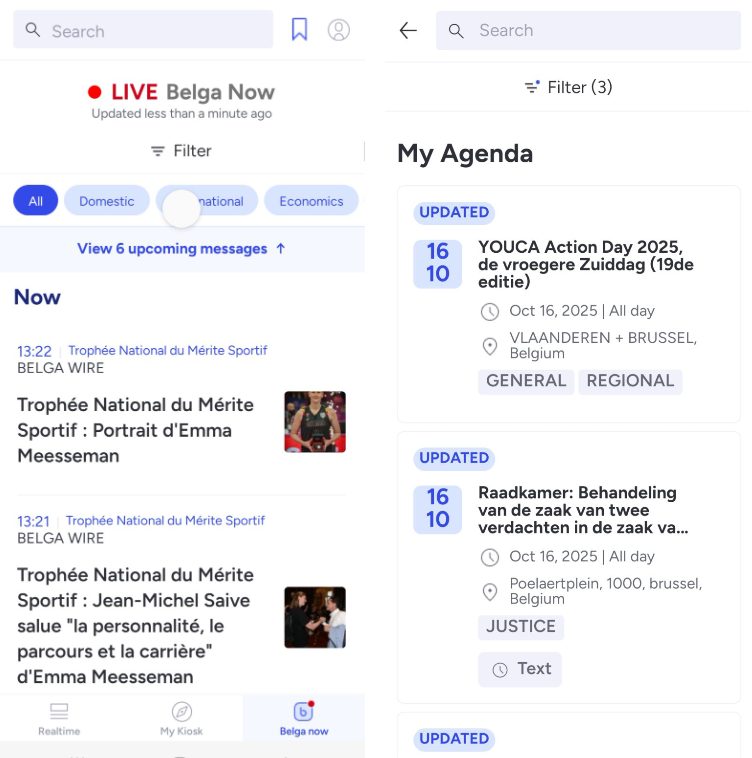
We’re also putting Belga content in the spotlight. You’ll gain an insight into our schedule, and via Belga Now you can follow our entire output in detail, in real time, terminal by terminal.
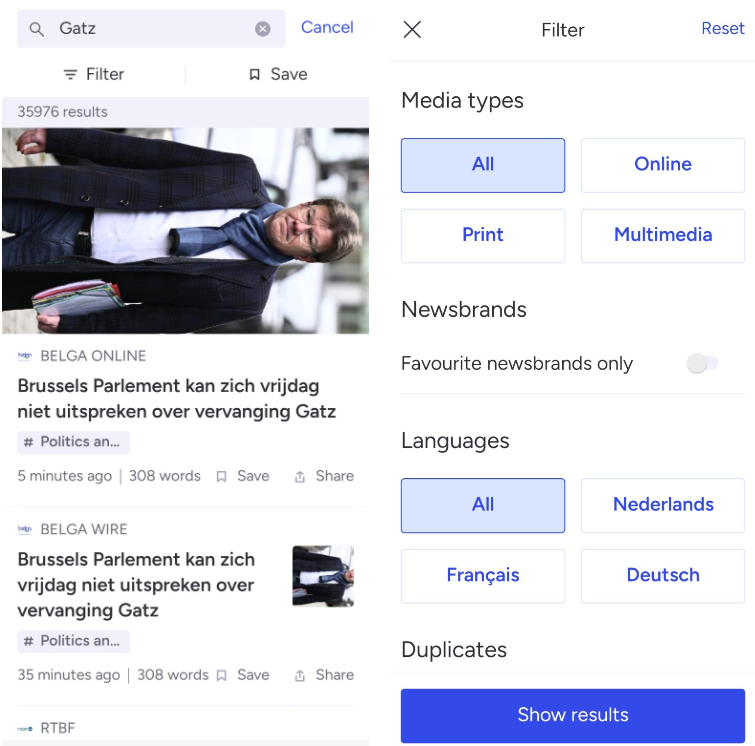
It hasn’t changed, but that doesn’t make it any less useful: search! You can still use this if, for example, you want to quickly look up an article behind the paywall.
Your favourites are slightly less prominent in this version. Next to the search bar, you’ll find a link to a page full of favourites (news brands, newsroom, saved searches, topics, bookmarked items, etc.). From here, you can also click through to, for example, all news brands.
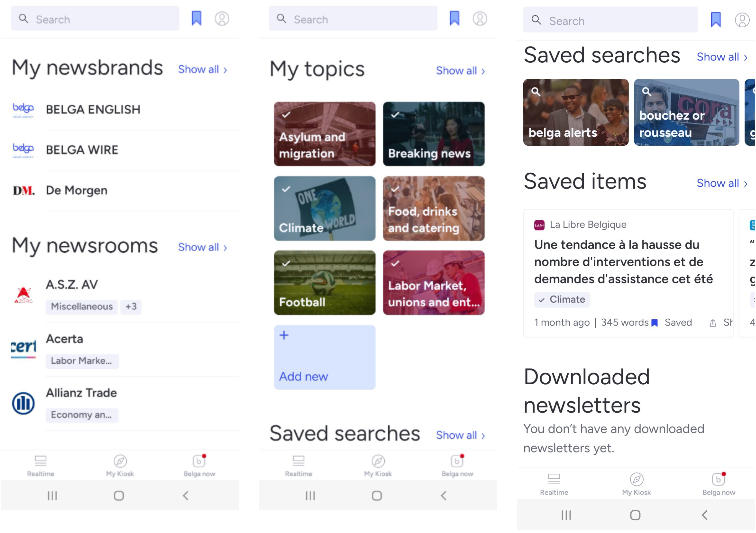
Navigating the native app
Once again, the development process prioritised an optimal, intuitive user experience. We have therefore aligned ourselves as closely as possible with standard practices in other native apps, whether on iOS or Android devices. This means you can swipe, scroll and tap just as you would elsewhere.